Is Site123 Right for You?
A retired teacher who'd never built anything online created a church community website on Site123 in a single afternoon — with event pages, a photo gallery, and a donation link — and got unstuck three times by chatting with a real human in their 24/7 live support.
On the other hand, a freelance photographer chose Site123 for her portfolio and spent a weekend fighting the section-based editor, unable to position images the way she wanted because the builder simply doesn't allow that level of control.
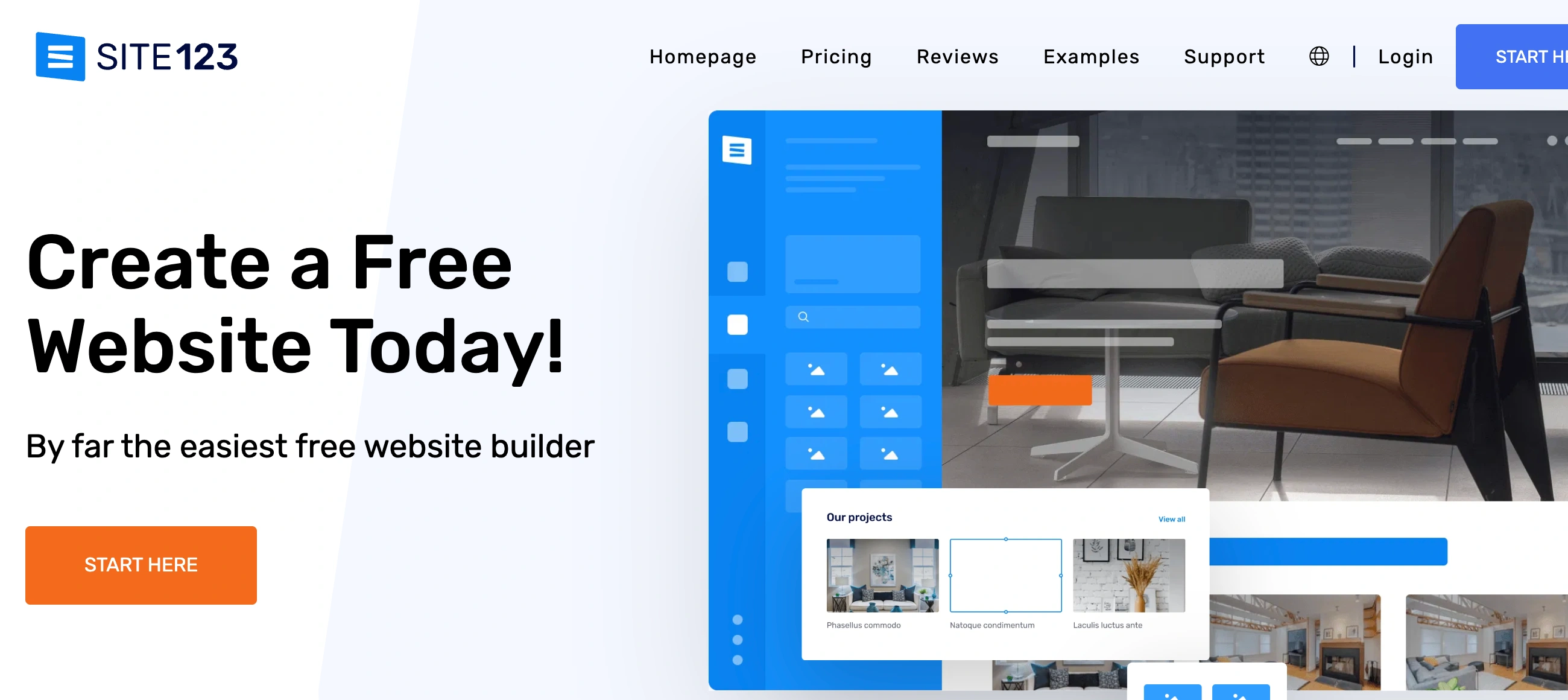
Site123 is the website builder that trades design freedom for setup speed and hand-holding. We scored it 6.6/10: genuinely the simplest builder to get a site live, with the best 24/7 live chat support in the category and solid multilingual features.
But the section-based editor prevents any real customization, the pricing page hides its full plan structure until after you sign up, and the design ceiling means most users with growing ambitions end up migrating within a year.
⚠ Main limitation: No design freedom. The section-based editor means you place pre-built blocks in a vertical stack — you can't move individual elements, create custom layouts, or achieve anything that wasn't pre-designed by Site123's template team. If you have a specific visual idea for your website, you likely can't execute it here.
✔ Get it if: You want the lowest possible technical barrier to getting a website live, you need 24/7 human support (not bots) as your safety net, you're building a multilingual site and want it baked in from the start, or you need a simple e-commerce storefront alongside a basic business site.
A cloud-based website builder launched in 2016, designed for people with zero technical skills. Section-based editor (not drag-and-drop — you add, remove, and rearrange pre-designed blocks). 189 templates.
You're a complete beginner who wants a functional website today — not a project that takes weeks. You value having a real human available via live chat around the clock when you get stuck.
You care about design originality (Wix, Squarespace, or Webflow give you control), you want to monetize a blog with affiliate links (Site123 restricts custom HTML on lower plans)…
Why Site123?
Site123 launched in 2016 with a name that doubles as its promise — build a site in 1-2-3 steps. It's grown to over one million registered users, though it remains a small player compared to Wix (250M+ users) or Squarespace (4.9M subscriptions).
The company doesn't publicize its headquarters or team size with the transparency that larger competitors do, which some reviewers note as a trust concern — though the product itself has been consistently available and improving since launch.
Support as a Feature
Here's what sets Site123 apart from Jimdo, GoDaddy, and even Wix: when you click the help button, a real person responds within minutes. Not a chatbot. Not a knowledge base redirect. A human who can actually solve your problem.
Multiple reviewers — including users who describe themselves as "not tech people" and "IT challenged" — credit Site123's support team with getting them through the entire build process. For a builder targeting absolute beginners, this human safety net is more valuable than any feature list.
Multilingual by Default
Every Site123 plan — including the free one — supports multilingual websites in 80+ languages. You can display your site in up to five languages simultaneously, with automatic translation available as a starting point.
For small businesses serving multilingual communities, churches with diverse congregations, or anyone who needs content in multiple languages without paying for premium add-ons, this is a genuine differentiator that most competitors charge extra for or don't offer at all.
The Honesty Problem
Several reviewers flag Site123's pricing presentation as misleading. The public pricing page shows only two options (free and one premium price), but after signup you discover four paid tiers with different feature sets.
E-commerce features, abandoned cart recovery, and advanced tools are locked behind higher plans that weren't visible when you made your initial decision. It's not a dealbreaker, but it creates a trust deficit that a builder targeting beginners can't afford.
The Verdict: Our Assessment
6.6/10 — Site123 does exactly one thing exceptionally well: getting complete beginners to a live, functional website with real human support available at every step. The multilingual capability punches above the builder's weight class.
But "adequate basics across the board" is the most accurate description of every other feature. You'll get online quickly, your site will look clean, and support will help when you're stuck — but the moment you want to do something the pre-built sections don't accommodate, you've hit Site123's ceiling.
Criteria | Score | Verdict |
|---|---|---|
Beginner Friendliness | 9/10 | Among the simplest builders to get from zero to published — the section editor prevents mistakes by preventing choices |
Customer Support | 9/10 | 24/7 live chat with real humans who respond in minutes — consistently praised as the builder's standout feature |
Multilingual | 8/10 | 80+ languages with up to 5 simultaneous translations on all plans — unusual at this price tier |
Templates | 6/10 | 189 clean, responsive designs — adequate but not distinctive, and you can't switch after publishing |
Design Freedom | 3/10 | Section-based only — no freeform placement, no custom layouts, no CSS access on standard plans |
E-Commerce | 4/10 | Covers basics with order limits; Gold tier adds cart recovery but can't match dedicated platforms |
Pricing Transparency | 4/10 | Full plan structure hidden until after signup — a trust issue for a builder targeting first-time users |
⚠ Trade-offs: Simplicity at the cost of flexibility. Site123 prevents you from making design mistakes by preventing you from making design decisions. That's the right trade-off for a first-time creator — and the wrong one for anyone with a vision beyond "clean and functional."
✔ Best for: First-time website creators who need hand-holding. Multilingual communities, churches, and small organizations. Small businesses that need a basic online presence with zero technical effort.
⚠ Skip if: You want design control. You're building for growth. You need advanced e-commerce or serious blogging. You want to keep your content portable.
Fit by Business Type
Strongest for beginners and multilingual simple sites; weakest for anything requiring depth or growth.
Strong Fit
✔ First-time website creators (9/10) — the simplest path to a live site with human support at every step.
✔ Multilingual community sites (8/10) — churches, cultural organizations, and community groups get native translation support that competitors charge extra for.
✔ Simple local business sites (7/10) — hours, services, contact info, and a map — live in an afternoon with no stress.
Moderate Fit
◑ Personal blogs (5/10) — the blog feature works for casual posting; content creators will outgrow it quickly.
◑ Small online shops with few products (5/10) — basic selling works, but order limits and feature gaps cap your growth.
Poor Fit
✗ Growing businesses (2/10) — the design and feature ceilings arrive fast, and no export means migration is painful.
✗ Portfolio and creative professionals (2/10) — the section editor can't produce the visual impact these users need.
✗ E-commerce focused businesses (3/10) — monthly order caps and basic commerce tools don't scale.
What Users Say: Reviews & Verified Experiences
User ratings: 4.2/5 on G2, 4.3/5 on Capterra (moderate review volume). Ratings are solid for a budget builder.
The G2 profile hasn't been actively managed in over a year — a detail that mirrors the platform's lower profile compared to market leaders. Review sentiment is warm but modest: users appreciate the simplicity without raving about it.
What Users Love
✩ Live support quality: The most consistently praised element across every review platform. Users describe reaching a real human within minutes who resolves their issues thoroughly. One user who describes themselves as "not young and not adept at IT" credits Site123's support team with building their entire site (Capterra, GetApp).
✩ Speed to launch: Users consistently describe getting a website live within hours. The lack of choices — which is a negative in other contexts — is praised here as removing the paralysis that other builders create with too many options (G2, Capterra).
✩ Free plan usefulness: Unlike many "free" plans that are too limited to produce anything, Site123's free tier lets users build and publish a complete (if branded) website. Several reviewers describe running it for months before deciding whether to upgrade (G2, GetApp).
✩ Uptime and reliability: Long-term users describe Site123 as stable and consistently available. No major outage complaints appear in the review record, which is notable for a smaller platform (Capterra).
Common Complaints
⚠ Customization walls: The most frequent negative. Users describe wanting to move an element slightly, change a layout, or create something the templates don't offer — and finding it impossible. The phrase "very limited" appears frequently (Capterra, G2).
⚠ Pricing surprises: Users who signed up based on the public pricing page discover additional tiers and feature restrictions after committing. Some describe feeling deceived, even when the actual prices are reasonable (Gizmodo review, Capterra).
⚠ Restrictions on monetization: Bloggers and affiliate marketers report that Site123 restricts custom HTML embedding, which prevents standard affiliate link implementations and advanced tracking. Users who planned to monetize their content discover this after building their site (Capterra, SoftwareAdvice).
⚠ No content export: Like Jimdo, Site123 offers no way to export your site content. Users who decide to migrate face manual rebuilding. This locks users into the platform by cost of switching rather than by satisfaction (multiple review sources).
Review Pattern Analysis
Site123's reviews cluster into two distinct groups: genuinely happy beginners who needed exactly what Site123 offers (simple, supported, live today), and frustrated users who expected more and found the ceiling too low.
The happy group is larger — which is why the ratings are decent — but the frustrated group's feedback is more useful for prospective users evaluating whether Site123 is a starting point or a long-term home. For most, it's the former.
What Site123 Users Typically Achieve
You'll Get Online Without Asking Anyone for Help
And if you do need help, someone answers within minutes. The combination of a no-decisions-needed editor and live human support means the gap between "I want a website" and "I have a website" is measured in hours, not weeks.
For people who've been putting this off for years because every other builder still felt too complicated, Site123 removes the last remaining barrier. That's a real achievement, even if it sounds simple.
Your Multilingual Site Will Work Out of the Box
Communities that serve speakers of multiple languages describe the built-in translation system as genuinely useful — automatic translation as a starting point, manual refinement for accuracy, and a language switcher that visitors can use intuitively.
Getting this right on WordPress requires paid plugins and configuration; on Site123 it's a checkbox during setup.
Your Site Will Look Professional Enough
"Professional enough" sounds like faint praise, but for the target audience it's exactly right. A local plumber, a neighborhood bakery, a community nonprofit — their customers aren't evaluating design sophistication.
They're checking that the business is real, finding contact info, and maybe reading a few details about services. Site123 delivers that cleanly and consistently, which is all most of these businesses actually need.
Where You'll Hit Ceilings
⚠ The design ceiling is permanent — you'll never get more control than the section editor allows, no matter which plan you're on. The e-commerce ceiling hits when your monthly orders exceed the plan cap or when you need features like multi-currency, advanced shipping rules, or marketplace integrations. The content ceiling hits when you want to monetize through affiliate links or custom embeds and discover the HTML restrictions. And the exit ceiling — no export tools — means the longer you stay, the more expensive leaving becomes.
💡 Site123 is at its best as a "get started now, figure out what I need later" platform. Use the free plan to build your first site, learn what features actually matter to your business, and treat the result as a first draft rather than a final product.
When you outgrow it — and you probably will — migrate to Wix or Squarespace with clear requirements shaped by the experience. The support team that helped you build might even be able to help you understand when it's time to move on.
3 Critical Mistakes to Avoid
Mistake #1: Assuming the Pricing Page Shows All Your Options
Site123's public pricing page presents a simplified view — often just "free" and one premium tier. After signup, four paid plans appear with meaningfully different feature sets. E-commerce requires the Professional plan minimum. Abandoned cart recovery needs Gold.
Users who commit based on the public page discover they need a higher (and more expensive) tier for the features they assumed were included. This isn't technically deceptive — the information exists — but it's not transparent, and it catches beginners off guard.
⚠ The Fix: Start with the free plan and explore the builder before paying anything. Once inside, navigate to the upgrade page to see the full plan breakdown and identify which tier actually includes the features you need. Don't commit to an annual plan until you've confirmed the feature set matches your requirements at that specific tier.
Mistake #2: Planning to Monetize Content Through Affiliate Links
Bloggers and content creators who plan to earn through affiliate marketing discover that Site123 restricts custom HTML embedding on lower plans. Standard affiliate tracking scripts, custom widgets, and embedded content from external platforms may not work the way you expect.
Users who built an entire blog on Site123 planning to add affiliate links later describe discovering this restriction as the moment they decided to leave.
⚠ The Fix: If monetization through custom embeds, affiliate links, or third-party tracking is part of your plan, verify that your specific use case works on Site123 before building. Test it on the free plan. If you hit HTML restrictions, this isn't your platform — WordPress.com or a self-hosted WordPress site handles content monetization without these barriers.
Mistake #3: Building Extensive Content on a Platform Without Export
Like Jimdo, Site123 offers no content export. Every blog post, every page, every product listing is locked inside the platform.
Users who spend six months building out their site and then decide to migrate face the reality of manually copying and recreating everything elsewhere. The switching cost grows with every piece of content you add — which works in Site123's favor but against yours.
⚠ The Fix: Keep your source content in external documents. Write blog posts in Google Docs first, keep original images organized in cloud storage, and maintain a spreadsheet of product details. If you treat Site123 as a display layer for content that lives elsewhere, migration becomes a manageable afternoon project instead of a painful multi-week ordeal.
Frequently asked questions
Is Site123 really free?
Yes — the free plan has no time limit. You get a site123.me subdomain, Site123 branding on your pages, and access to most builder features. It's genuinely usable for a basic personal or hobby site. Paid plans start at $10.80/month (annual) to remove branding, connect a custom domain, and unlock additional features.
How does Site123 compare to Wix?
Site123 is simpler to use but dramatically less flexible. Wix offers freeform drag-and-drop design, 800+ templates, a massive app marketplace, and deeper e-commerce and blogging tools. Site123 wins on live support quality and multilingual simplicity. For anyone whose needs extend beyond a basic brochure site, Wix is the stronger platform.
Can I build an online store with Site123?
Yes, starting at the Professional plan ($22.80/month annual). You get product management, payment processing (Stripe, PayPal, Braintree), and basic order management. The Gold plan adds abandoned cart recovery and wishlists. Monthly order limits apply per tier. For serious e-commerce, Shopify or Wix offer significantly more depth.
Does Site123 support multiple languages?
Yes — it's one of Site123's genuine strengths. All plans, including the free tier, support multilingual sites in 80+ languages with up to five simultaneous translations. Automatic translation provides a starting point that you can refine manually. Most competitors charge extra for multilingual capabilities or require third-party tools.
Can I export my Site123 website?
No. Site123 doesn't offer content or site export tools. If you decide to move to a different platform, you'll need to manually copy your content and rebuild your site structure elsewhere. This is a significant limitation to consider before investing heavily in content on the platform.
Is the 24/7 support actually good?
Yes — it's consistently cited as Site123's best feature. You reach a real human via live chat within minutes, and reviewers describe the support team as knowledgeable, patient, and thorough. This is notably better than many larger builders that route you through chatbots before connecting you with a person.