Is GoDaddy Website Builder Right for You?
GoDaddy Website Builder is the "good enough, fast" option in website builders. It gets a site live faster than anything else on the market — AI generates a template in under 30 seconds, and most users are published within an hour.
We scored it 6.8/10: unmatched speed-to-launch and genuinely helpful 24/7 phone support, but the section-based editor severely limits customization, the e-commerce checkout redirects customers off your domain, and GoDaddy's aggressive upselling and renewal price jumps erode the value proposition over time.
⚠ Main limitation: Customization is severely restricted. Pages are built from pre-designed sections that you can toggle on or off, but you can't add individual elements, move components freely, or access any HTML/CSS. Want to increase one heading's font size? The only option is a global font slider that changes every font on the site. This section-locked approach means your site will always look like a GoDaddy template — clean but generic.
✔ Get it if: You need a website live in under an hour with zero technical knowledge, you want domain, hosting, SSL, email, and builder under one bill, you value phone support availability (24/7 with real humans), you need basic appointment scheduling (Premium plan), or you're a GoDaddy domain customer who wants the simplest path to a website.
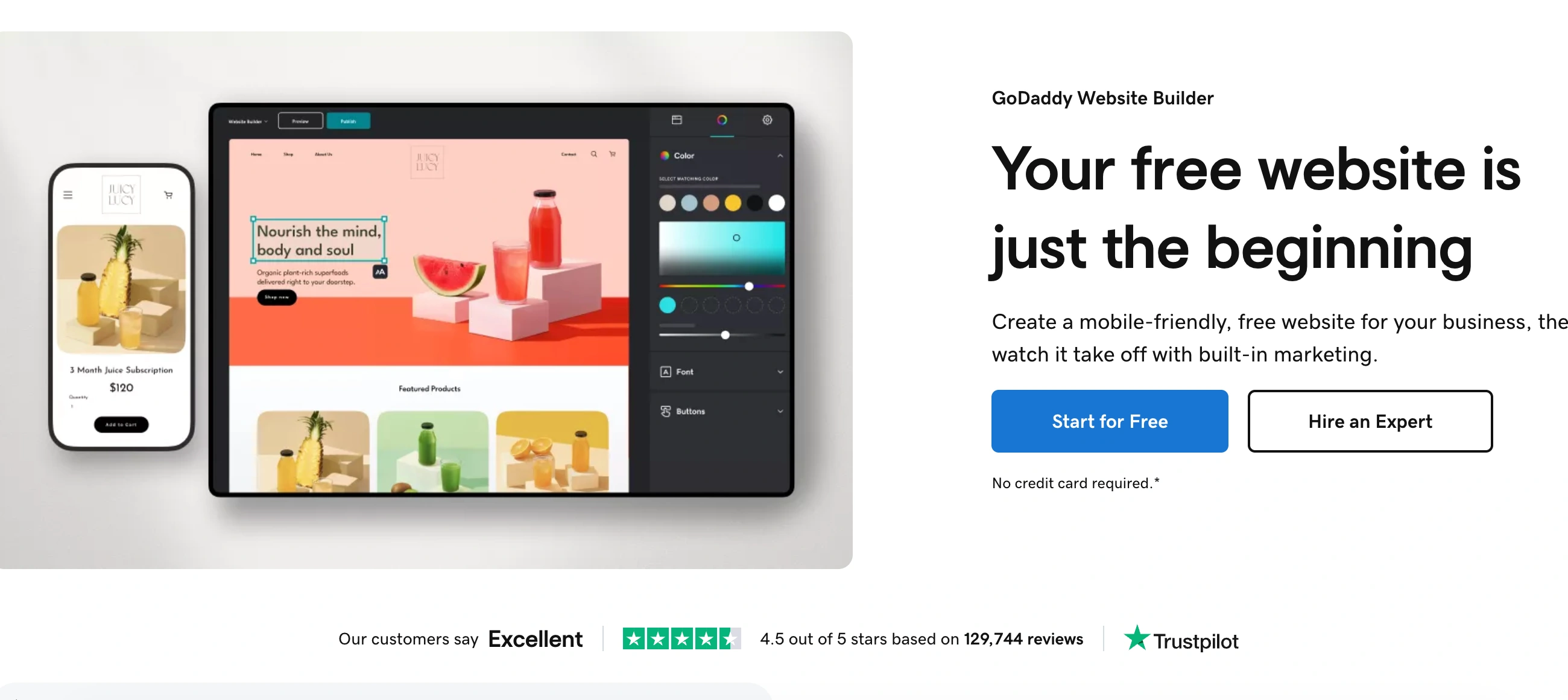
A cloud-based website builder bundled with GoDaddy's domain, hosting, and marketing ecosystem. Sites are built by adding and toggling pre-designed sections — not true drag-and-drop like Wix or Squarespace.
You're a local business owner, service provider, or solopreneur who needs a professional-looking website online today — not next week. You already have a GoDaddy domain and want everything under one roof.
You want any meaningful design customization beyond toggling sections, you need serious e-commerce (the checkout redirects to a third-party domain)…
Why GoDaddy Website Builder?
GoDaddy is one of the most recognized names in web services, serving over 20 million customers globally. The website builder (branded "Websites + Marketing") is part of GoDaddy's strategy to be a one-stop shop for small businesses — domain registration, hosting, email, website, and marketing tools all under one account.
The builder targets the massive market of non-technical business owners who need an online presence but have zero interest in learning web design.
Speed as the Core Value
GoDaddy's AI-powered Airo tool generates a complete website draft in under 30 seconds based on your business name, category, and preferences. From there, you customize text, swap images, toggle sections on or off, and publish.
Multiple independent reviewers confirm that a basic site can be live in under 30 minutes of editing. No other website builder matches this speed-to-launch, and for businesses that have been operating without any web presence, this eliminates the biggest barrier: getting started.
The One-Stop Ecosystem
If you already manage domains through GoDaddy, adding the website builder means one dashboard, one login, one bill. Domain registration, DNS management, SSL certificates, professional email (Microsoft 365 integration), hosting, website editing, social media management, email marketing, and basic CRM all live in the same account.
For small business owners who find juggling multiple services overwhelming, this consolidation is genuinely valuable.
24/7 Phone Support
This is a real differentiator. GoDaddy is one of the only website builders that offers 24/7 phone support with real humans — not just chat or email.
For non-technical users who get stuck at midnight before a business launch, having someone to call is worth more than any feature comparison. Capterra reviewers consistently rate customer service 4.5/5 and describe it as the best in the industry.
The Verdict: Our Assessment
6.8/10 — GoDaddy Website Builder is the fastest way to get a basic, professional-looking website online. The AI setup, section-based editing, bundled ecosystem, and 24/7 phone support deliver real value for its target audience: non-technical small business owners who need a web presence now.
But the severe customization limits, problematic e-commerce checkout, SEO concerns, and GoDaddy's aggressive upselling and renewal pricing make it hard to recommend over Wix or Squarespace for anyone who wants more than a simple brochure site.
Criteria | Score | Verdict |
|---|---|---|
Speed to Launch | 10/10 | AI generates a draft in 30 seconds; most users are live in under an hour — fastest in the industry |
Ease of Use | 9/10 | Section-based editing is nearly impossible to mess up; the simplest builder available for absolute beginners |
Customer Support | 9/10 | 24/7 phone support with real humans — a genuine differentiator that no other major builder matches |
Ecosystem Convenience | 7/10 | Domain, hosting, email, builder, marketing, and CRM under one roof — valuable consolidation for GoDaddy customers |
Customization | 3/10 | Section-locked editing with no element-level control, no custom code, and global-only style adjustments |
E-Commerce | 4/10 | Basic product listings work but checkout redirects to third-party domain; no auto-tax; no receipt customization |
SEO & Performance | 5/10 | Basic SEO tools included but sites reportedly index poorly vs WordPress; limited tracking script access |
Value Transparency | 4/10 | Competitive intro pricing but aggressive upselling, renewal price jumps, and add-on costs erode trust |
⚠ Trade-offs: You're trading customization and long-term flexibility for launch speed and simplicity. GoDaddy Website Builder is the right choice when getting online fast matters more than how your site looks, and when 24/7 phone support matters more than design freedom. The moment your needs grow beyond a basic brochure site, you'll want to migrate — and since GoDaddy doesn't support site export, that means rebuilding elsewhere.
✔ Best for: Local businesses and service providers who need a web presence today. Non-technical solopreneurs who value phone support over design flexibility. GoDaddy domain customers who want the simplest path to a website. Service businesses needing basic appointment scheduling built in.
⚠ Skip if: You want any meaningful design customization. You need competitive e-commerce with branded checkout. You depend on organic search traffic and need strong SEO. You're sensitive to upselling, renewal price increases, and hidden add-on costs.
Fit by Business Type
We scored GoDaddy Website Builder across 13 business types. The fit is narrow: simple brochure sites and service businesses that prioritize speed.
Strong Fit
✔ Local service businesses (8/10) — plumbers, electricians, salons, and consultants who need a basic web presence with appointment booking get exactly what they need without complexity.
✔ Non-technical solopreneurs (7/10) — the fastest path from zero to a live, professional-looking website with phone support available if you get stuck.
Moderate Fit
◑ Restaurants and hospitality (6/10) — menu pages, hours, and reservation links work well; online ordering is basic compared to dedicated restaurant platforms.
◑ Small portfolios and personal sites (6/10) — clean templates display work effectively, but limited customization means your portfolio looks like every other GoDaddy portfolio.
◑ Very small e-commerce (5/10) — can list products and accept payments, but the checkout redirect to a third-party domain damages trust and conversion rates.
Poor Fit
✗ Growing businesses needing design flexibility (3/10) — the section-locked editor becomes a constraint the moment you want anything beyond the template's defaults.
✗ SEO-dependent businesses (3/10) — limited indexing performance and restricted tracking code access make GoDaddy a poor choice for organic search strategies.
✗ Mid-to-large e-commerce (2/10) — the checkout redirect, manual tax handling, and limited product management make Shopify, Wix, or Squarespace far better choices.
✗ Developers and agencies (2/10) — no code access, no export, no API — this is the opposite of a developer-friendly platform.
What Users Say: Reviews & Verified Experiences
User ratings: 4.1/5 on G2, 4.4/5 on Capterra (approximately 1,371 reviews across GetApp/Capterra), and mixed on Trustpilot under the broader GoDaddy brand.
The Capterra rating is notably high, driven by the simplicity and support scores. The broader GoDaddy Trustpilot reviews include domain, hosting, and other services, so the builder-specific signal is diluted.
What Users Love
✩ Speed and simplicity: The most consistent praise. Users describe building a site in minutes with zero technical knowledge. The section-based editor means you can't make mistakes — everything looks polished by default. Even non-tech-savvy team members can make updates independently (G2, Capterra, Business.org).
✩ Phone support quality: GoDaddy's 24/7 US-based phone support is rated 4.5/5 and described as the best in the industry. Users value being able to call a real person at any hour rather than waiting for chat or email responses (Capterra, Durable review).
✩ One-stop ecosystem: Managing domain, hosting, email, website, and marketing from a single dashboard appeals to users who don't want to coordinate multiple services. Existing GoDaddy domain customers particularly value the seamless integration (G2, Capterra).
✩ Appointment scheduling: Service businesses praise the built-in booking tool as one of the most practical features, eliminating the need for a separate scheduling app (Capterra, GetApp).
Common Complaints
⚠ Customization ceiling: The most frequent complaint across every platform. Users feel limited once they understand the section-based approach. No element-level control, no custom code, and global-only style adjustments mean you can't create anything unique (G2, Capterra, Software Advice).
⚠ Aggressive upselling: Multiple reviewers describe being constantly prompted to purchase additional services. Pop-ups appear during basic editing tasks. Upgrades are pushed for features users expect to be included. The experience feels more like a sales funnel than a website builder (G2, GetApp, Website Planet).
⚠ Renewal price jumps: Introductory pricing is competitive, but renewal rates increase significantly. Users who signed up at promotional rates describe sticker shock at renewal time. The pricing structure is described as confusing and not transparent (GetApp, Website Planet, Capterra).
⚠ SEO and indexing concerns: Multiple users and sources report that GoDaddy-built sites don't index as well as WordPress or other platforms. Google Business users specifically flag this as a problem for local search visibility (G2, GetApp).
Review Pattern Analysis
GoDaddy Website Builder's review pattern is clear: users who match the target audience (non-technical, speed-focused, basic needs) rate it highly and describe it as exactly what they needed.
Users who outgrow the template limitations or discover the renewal pricing become vocal critics. The 4.1-4.4 ratings reflect a product that serves beginners exceptionally well while disappointing anyone who expects growth headroom.
What GoDaddy Website Builder Users Typically Achieve
You'll Have a Website Live Before Lunch
The speed advantage is real and measurable. Users consistently report going from zero to a published website in under an hour. The AI generates your starting point in seconds, you spend 20-30 minutes customizing text and images, and you're live.
For the millions of small businesses still operating without a web presence, this eliminates the biggest psychological barrier — the belief that building a website is complicated and time-consuming.
You'll Manage Everything From One Dashboard
Domain, hosting, email, website, social media, email marketing, and basic CRM in one place. For non-technical business owners who dread managing multiple logins and services, this consolidation saves real mental overhead.
When you need to update your hours, publish a social post, and check your analytics, it's all in the same interface with the same login.
Your Service Business Gets Built-In Booking
The appointment scheduling feature on Premium ($16.99/month) gives service businesses — salons, consultants, trainers, coaches — a complete booking flow without a separate tool.
Clients see your availability, book online, get confirmations, and the appointments sync with your calendar. This is one of GoDaddy's most practical and underappreciated features for its core audience.
Where You'll Hit Ceilings
⚠ Customization is the first and most frustrating ceiling. The moment you want something the section templates don't provide — a specific layout, a custom element, a unique design treatment — you're stuck.
E-commerce hits next: the third-party checkout redirect (mysimplestore.com) damages conversion rates and brand trust. SEO becomes a problem when you realize your site doesn't rank as well as competitors on WordPress.
And the renewal pricing catches up — your $9.99/month plan jumps significantly at renewal, and add-on costs for email, marketing tools, and premium features accumulate.
💡 GoDaddy Website Builder works best as your first website — the one that gets you online while you learn what you actually need.
Many businesses launch on GoDaddy, validate their market, and then migrate to Wix, Squarespace, or WordPress once they understand their requirements. The speed advantage at the start is real; just don't expect the platform to grow with you.
3 Critical Mistakes to Avoid
Mistake #1: Choosing GoDaddy for E-Commerce
The Commerce plan ($24.99/month) advertises product listings, marketplace integrations, and payment processing — and those features exist.
But the checkout experience redirects your customers from your domain to mysimplestore.com, a third-party domain they've never seen. This breaks brand trust at the most critical moment in the purchase journey. You also can't customize email receipts, tax calculation is manual, and the product management tools are basic compared to dedicated e-commerce platforms.
⚠ The Fix: If selling products online is a core part of your business, start with Shopify (best for dedicated stores), Wix (best for website + store combo), or Squarespace (best for visual product presentation). GoDaddy's e-commerce is an add-on to a website builder, not a real e-commerce platform. Use it only if you're selling a handful of items as a secondary function of your main service business.
Mistake #2: Ignoring the Renewal Price Jump
GoDaddy's introductory pricing is competitive — $9.99/month for Basic looks like a great deal.
But promotional rates apply to your first term only. At renewal, prices increase significantly. The Standard plan that started at $14.99/month can jump to $22.99 or higher. Domain registration costs climb from first-year promotional rates to standard pricing. Email, marketing tools, and security add-ons each carry separate renewal rates. Users who budget based on introductory pricing discover their actual annual cost is 30-50% higher than expected.
⚠ The Fix: Before signing up, check the renewal pricing for every service you plan to use — GoDaddy lists it, but it's not prominently displayed. Calculate your total annual cost at renewal rates, not introductory rates. Compare that total against Wix, Squarespace, and WordPress hosting alternatives where pricing is more transparent. If you do choose GoDaddy, set a calendar reminder before renewal to evaluate whether the increased price still makes sense.
Mistake #3: Expecting to Customize or Migrate Later
Users choose GoDaddy for speed, planning to "customize it properly later" or "migrate to something better when the business grows." Both assumptions are wrong. The section-based editor doesn't offer more customization as you learn it — the ceiling is the same on day one as on day 365.
And GoDaddy doesn't support site export. When you outgrow the platform (and most growing businesses do), you're rebuilding your entire site from scratch on a new platform — content, design, SEO value, and all.
⚠ The Fix: If you know your business will need design flexibility, SEO strength, or e-commerce depth within the next 12 months, skip GoDaddy and start on the platform you'll need long-term (Wix, Squarespace, WordPress). The time you save launching on GoDaddy today is less than the time you'll spend rebuilding later. GoDaddy is the right choice only when your site needs will stay simple for the foreseeable future.
Frequently asked questions
Does GoDaddy Website Builder offer a free plan?
Yes. The free plan includes the builder, templates, AI site generation, hosting, SSL certificate, basic analytics, and limited marketing tools. However, it uses a GoDaddy subdomain (yourbusiness.godaddysites.com), displays GoDaddy branding, has limited storage, and doesn't support custom domains or e-commerce. It's useful for testing but not suitable for a professional business presence.
How does GoDaddy compare to Wix?
Wix offers significantly more design freedom (true drag-and-drop with pixel-level control vs. GoDaddy's section-based toggling), more templates, better e-commerce, and stronger SEO tools. GoDaddy is faster to launch, has 24/7 phone support (Wix doesn't), and costs less at entry-level. Choose GoDaddy if speed and simplicity are your only priorities. Choose Wix if you want any meaningful customization or growth headroom.
Can I use my existing GoDaddy domain with the website builder?
Yes, and this is one of GoDaddy's smoothest workflows. If you already own a domain through GoDaddy, connecting it to the website builder is seamless — no DNS configuration needed. This eliminates a step that frustrates non-technical users on other platforms. On paid plans, you can also register a new domain (free for the first year).
Is GoDaddy good for SEO?
Basic SEO tools are included — meta titles, descriptions, and a step-by-step SEO checklist. However, multiple sources report that GoDaddy-built sites don't index as well as WordPress or other platforms. You can't add custom tracking scripts easily, header code access is restricted, and there are no advanced technical SEO controls. If organic search is important to your business, WordPress, Wix, or Squarespace are better choices.
What happens when my promotional pricing expires?
Renewal prices increase significantly from introductory rates. The exact increase varies by plan and term length, but expect 30-50% higher pricing at renewal across website builder plans, domain registration, email, and add-on services. GoDaddy does list renewal pricing, but it's not prominently displayed during the signup process. Always calculate your costs at renewal rates before committing.
Can I export my GoDaddy website to another platform?
No. GoDaddy Website Builder does not support full site export. If you decide to migrate to another platform (Wix, Squarespace, WordPress, or any other), you'll need to rebuild your site from scratch. You can manually copy your content, but design, layout, and page structure don't transfer. This lack of portability is one of the most significant factors to consider before building on GoDaddy.