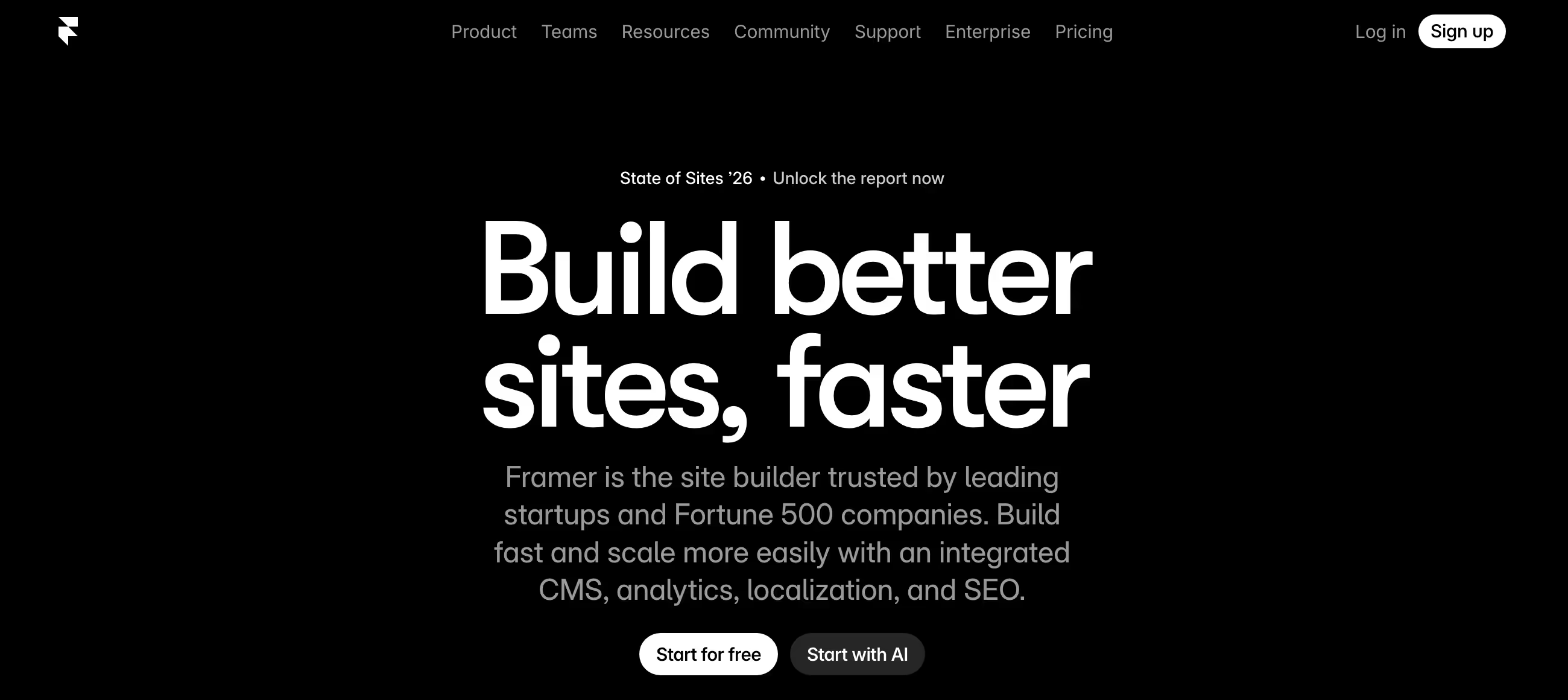
Is Framer Right for You?
A SaaS startup redesigned their marketing site in Framer and watched organic traffic grow 10x — the site loaded faster, the interactions made the brand feel premium, and they went from concept to published page in hours instead of weeks.
On the other hand, a blogger chose Framer for a content-heavy site and discovered the entry-level paid plan only allows one CMS collection — she couldn't have both a blog and a portfolio without tripling her monthly cost.
We scored it 8.6/10: it's the most design-forward no-code website builder available, with a canvas that feels like Figma and output that looks custom-designed. But it's built for visual projects, and content-heavy sites hit platform limits faster than you'd expect.
⚠ Main limitation: Basic's single CMS collection forces upgrades the moment you need two content types (blog + portfolio). The editor assumes design tool experience — users from Squarespace or Wix face an adjustment period. And the October 2025 pricing overhaul removed lower tiers that many small-site users relied on.
✔ Get it if: Visual design quality is your top priority, you want to go from design to live site in one tool, or you already work in Figma and want your designs to become real websites.
Design-first no-code website builder with hosting, CMS, and AI tools. Free plan with full editor on Framer subdomain. AI site generation included on all plans. Figma-to-Framer import. React code component support.
You're a designer who wants to build and publish websites without handing off to a developer. You're building a landing page, brand site, or startup marketing page where visual quality is the priority.
You need a simple template-driven builder (use Squarespace), you're running a content-heavy publication (use Ghost or WordPress), you need ecommerce (use Shopify), or you've never used a design tool and prefer guided page editors.
Why Framer?
Framer started as a prototyping tool for product designers — interactive mockups competing with InVision and Principle. Then it made a deliberate pivot: what if the prototyping tool could also be the website?
What if designers could publish directly instead of handing designs off to developers who'd inevitably compromise the vision? That pivot turned Framer into the fastest-growing website builder in the category.
Design Without Compromise
Most builders give you templates and let you rearrange within constraints. Framer gives you a freeform canvas — place anything anywhere, exactly how you want it. The editor feels like Figma, not like a grid system.
This means your sites look custom-designed rather than like variations on a theme. For brands where visual identity is the competitive advantage, this creative freedom is the entire reason to choose Framer over anything else.
AI That Gets You to Draft Faster
Wireframer generates layouts from prompts. Workshop iterates on design direction. Full AI site generation creates complete pages with professional color schemes and responsive breakpoints.
The output needs human polish, but it compresses blank-canvas-to-working-layout from hours to minutes. Every plan gets full AI access — even free users generate complete site structures before investing a dollar.
Performance as a Feature
Sites are statically generated and served from a global CDN — they load fast without optimization work. Lighthouse scores consistently hit 90+.
SEO fundamentals (meta tags, sitemaps, structured data, canonical URLs) are native, not plugin-dependent. For businesses competing on search, this baked-in speed provides a ranking advantage without technical effort.
The Verdict: Our Assessment
8.6/10 — Framer is the website builder that finally made designers feel like they're designing, not compromising. The canvas, the motion controls, the AI generation, and the publish-to-CDN workflow create the fastest path from concept to professional website for anyone who values visual craft.
For landing pages, brand sites, portfolios, and startup marketing, the output quality justifies the investment. The trade-offs — CMS depth, steeper onboarding, pricing structure — are real but acceptable for teams who choose Framer because design matters most.
Criteria | Score | Verdict |
|---|---|---|
Design Freedom | 10/10 | The only website builder where designers feel like they're actually designing — complete creative control over every element |
Motion and Interactions | 10/10 | Scroll, hover, and timeline controls built natively into the editor — turns pages into polished experiences |
Speed and SEO | 9/10 | Static generation delivers consistently fast sites with strong search performance out of the box |
AI Generation | 8/10 | Wireframer and Workshop create solid starting layouts included on every plan — speeds up early-stage design work |
CMS Depth | 5/10 | Handles moderate content needs well but content-heavy sites hit collection and structure limits |
Accessibility for Non-Designers | 5/10 | Users from template-driven builders face adjustment time — the editor rewards design experience |
⚠ Trade-offs: Maximum creative control at the cost of content management depth and beginner accessibility. Framer rewards people who care about design — and it's honest about not being built for everyone.
Fit by Business Type
Strongest for design-driven brands and agencies; weakest for content-heavy publications and ecommerce.
Strong Fit
✔ Design agencies (10/10) — concept to published client site in one tool; the output quality wins pitches and the speed increases project capacity.
✔ SaaS marketing sites (9/10) — fast-loading, interactive, conversion-optimized pages that create premium brand perception without developer involvement.
✔ Creative portfolios (9/10) — the design canvas produces visual distinction that template builders structurally cannot match.
Moderate Fit
◑ Small business marketing sites (7/10) — excellent output quality, but simpler needs may not justify the onboarding time versus template builders.
◑ Moderate-volume blogs (6/10) — works for occasional publishing; heavy content operations outgrow the CMS.
Poor Fit
✗ Content-heavy publications (4/10) — Ghost or WordPress handles large-scale publishing with more mature content tools.
✗ Online stores (3/10) — no native ecommerce; Shopify handles product selling at a depth Framer doesn't attempt.
✗ Users wanting guided setup (4/10) — Squarespace gets a professional site live in an hour; Framer's canvas adds design-tool learning that template users don't need.
What Users Say: Reviews & Verified Experiences
User ratings: strong praise on G2 with consistent themes around design control and publishing speed. The community is passionate — Framer users tend to be designers who've tried everything else and found their tool.
Criticism focuses on pricing changes and content limits rather than the core building experience, which says a lot about how strong the product is where it matters.
What Users Love
✩ Design-to-live speed: "We've gone from a slow, fragmented design-to-live process to being able to publish new pages in hours, sometimes minutes" — the workflow compression is the core promise delivered (G2).
✩ Traffic results: "Being able to launch content so easily has increased our organic SEO traffic 10x since switching to Framer" — performance advantages translating directly to business outcomes (G2).
✩ Team handoff: "After launch, it took my team less than an hour to learn how to update CMS collections" — non-designers maintain what designers build without friction (G2).
Common Complaints
⚠ CMS restrictions: "For most creators, even small portfolio sites need two CMS structures minimum" — the entry tier's content limits are the most frequent criticism across the community (All About Framer).
⚠ Pricing shifts: "Paying $45 per month is a tough ask, especially for a tool that used to offer more at lower tiers" captures frustration with the restructured plans (All About Framer).
⚠ Editor performance: "The platform can be slow at times, particularly with larger projects" — complex pages with many elements create lag in the editor (G2).
What Framer Users Typically Achieve
Your Sites Will Look Like You Hired a Design Team
The shift designers describe most consistently: clients stop asking "which template is this?" and start asking "who designed this?" The creative control, motion, and typography precision produce output that looks custom-crafted — because it is.
For agencies, this quality wins projects. For startups, it creates the perception of a more established company. The visual gap between a Framer site and a template-based site is obvious to everyone, even people who can't articulate why one looks better.
Your Design-to-Publish Timeline Will Collapse
The traditional process — design in Figma, hand off to developer, wait for build, review, request changes, wait again — becomes one step. What took 2-4 weeks with a developer takes 2-4 days.
Agencies that adopt Framer describe this as the operational change that let them take on more projects without hiring developers proportionally. The speed compounds: faster launches mean faster feedback, which means faster iterations on what actually converts.
You'll Eventually Want More CMS Than You Started With
⚠ Every Framer user building beyond a static landing page eventually needs more content capability than they planned for. This isn't a flaw — it's the natural progression from marketing site to living platform. Plan for it from the start: choose the tier that covers where your content needs will be in six months, not where they are today. If your trajectory points toward serious publishing volume, evaluate whether Framer's content tools will scale with you or whether you'll eventually need a dedicated CMS alongside it.
💡 Build your entire site on the free plan before paying — full design tools and AI at zero cost. Skip Basic and go directly to Pro if you need any content management.
Use AI generation as a starting point, then customize heavily. And if you're coming from Figma, copy-paste your existing designs directly — the import saves hours of rebuilding.
3 Critical Mistakes to Avoid
Mistake #1: Choosing Basic When You Need Two Content Types
A freelance designer picks the entry-level paid plan for her personal site — portfolio pages plus a blog. She discovers she can only have one content collection at that tier.
Three weeks of building later, she upgrades to triple the cost and has to reconfigure her content structure. The "affordable" starting point cost her time and frustration that planning ahead would have prevented.
⚠ The Fix: If your site needs any two types of dynamic content (blog + projects, case studies + team members, products + testimonials), start on Pro from day one. The price difference buys you ten collections, proper bandwidth, redirects, and analytics — features you'll need within weeks. The entry tier works only for truly static sites with zero or one content type.
Mistake #2: Expecting Template-Builder Simplicity
A small business owner watches a demo, sees beautiful interactions and polished layouts, and signs up expecting to build her site in an afternoon.
She opens the editor and sees a blank canvas with no guided setup and a layers panel she doesn't recognize. Three hours in, she's placed two text blocks and a logo. She abandons Framer for Squarespace, which had her site live in 90 minutes.
⚠ The Fix: Start with a marketplace template rather than a blank canvas. Use AI generation to create a layout you can customize. Watch the Framer Academy tutorials to understand responsive design and components. Budget 3-5 hours of orientation before productive building. If that investment doesn't appeal to you, a template-driven builder genuinely serves you better — and that's a valid choice, not a failure.
Mistake #3: Ignoring Bandwidth on Media-Heavy Sites
An agency builds a photography portfolio with high-resolution images across 50+ pages. The site looks stunning. Then traffic picks up and the monthly bandwidth cap gets consumed in two weeks. The site either slows or incurs overages — the client is unhappy, and the agency retrofits optimizations they should have planned from the start.
⚠ The Fix: Calculate expected bandwidth before choosing a plan. A typical page load of 2-5MB means 10GB supports roughly 2,000-5,000 monthly page views — fine for small sites, not enough for real traffic with heavy media. Optimize images before uploading even though Framer auto-optimizes. For image-heavy or high-traffic sites, choose a tier with bandwidth that matches your traffic projections, not your current traffic.
Frequently asked questions
How much does Framer cost?
Free: full editor, 1,000 pages, AI tools (Framer subdomain + badge). Basic: $10/month annual — custom domain, 1 CMS collection, 10GB bandwidth. Pro: $30/month annual — 10 CMS collections, 100GB bandwidth, 301 redirects, analytics (recommended). Scale: $100/month annual — 200GB bandwidth, password protection, advanced permissions. Enterprise: custom. Monthly billing adds ~15-50% depending on tier. Legacy plans from before October 2025 are grandfathered.
How does Framer compare to Webflow?
Framer feels like Figma (freeform canvas, design-first); Webflow feels like a visual code editor (box model, CSS-like controls). Framer excels at animations, design speed, and AI generation. Webflow excels at complex CMS, ecommerce, and client-handoff workflows. Choose Framer when visual craft and speed matter most. Choose Webflow when you need deep CMS, ecommerce, or are building sites for clients who'll manage content independently.
Can I import designs from Figma?
Yes — copy from Figma, paste into Framer. Layers, components, and styles transfer directly. The import saves 80-90% of rebuild work, though complex auto-layout may need adjustment. This workflow means designers can use Figma for ideation and Framer for publishing without choosing between them.
Is Framer good for SEO?
Yes — Framer sites are statically generated and served from a global CDN, delivering fast load times and Lighthouse scores consistently above 90. Built-in SEO controls cover page titles, meta descriptions, Open Graph tags, and automatic sitemaps. Performance-driven SEO advantages are baked in without plugins or manual optimization.
Can developers use code in Framer?
Yes — Framer supports custom React code components that drop into the visual editor alongside designer-created content. You can also add custom HTML, CSS, and JavaScript via code blocks. This hybrid approach serves teams where designers handle layout and developers handle complex interactivity, all within one published site.
Why did Framer change its pricing in October 2025?
Framer consolidated seven tiers down to five (Free, Basic, Pro, Scale, Enterprise) to simplify pricing. The change removed the Mini tier ($5/month) and restricted Basic to one CMS collection. Legacy plans are grandfathered. Framer offered a 60-day window for users to rejoin old plans through support. The community response was mixed — simplification was welcome, but the Basic CMS restriction and effective price increases frustrated small-site users.