Is Fliki Right for You?
A marketing manager who juggles content across five social platforms started using Fliki to turn her weekly blog posts into video — she drops in the URL, picks a voice and template, and has a finished video ready to post in under 10 minutes. What used to require a freelance editor and a two-week turnaround now happens before lunch.
On the other hand, a freelance filmmaker tried Fliki for client work and hit a wall fast — the stock footage looked generic, the AI couldn't handle his creative vision, and the output felt more like a polished slideshow than a real video.
We scored it 7.6/10: the speed is genuinely impressive (75% faster than traditional production by user estimates), the voice quality on premium tiers sounds convincingly human, the multiple input methods (script, URL, idea, PPT) cover most content repurposing needs, and the pricing is accessible.
But the output relies heavily on stock footage that can feel repetitive, the free plan is barely enough to test with, credits get consumed faster than you'd expect, and the result — while polished — is recognizably AI-generated rather than custom-produced.
⚠ Main limitation: The output is stock-footage-driven, which means videos across different creators can look similar. AI-selected visuals sometimes miss the mark for abstract concepts or technical topics — you'll spend time swapping scenes. The free plan (5 minutes, watermarked, 720p) is barely enough to evaluate the tool. Credits consume faster than expected when using AI avatars and advanced features. And while the voices are good, they're not indistinguishable from human narration — listeners familiar with AI voices will notice.
✔ Get it if: You need fast, consistent video content for social media without a production team, you want to repurpose written content into video and audio formats, you need multilingual video content without hiring voice talent per language, or you're a small business that can't justify a freelance editor for every video.
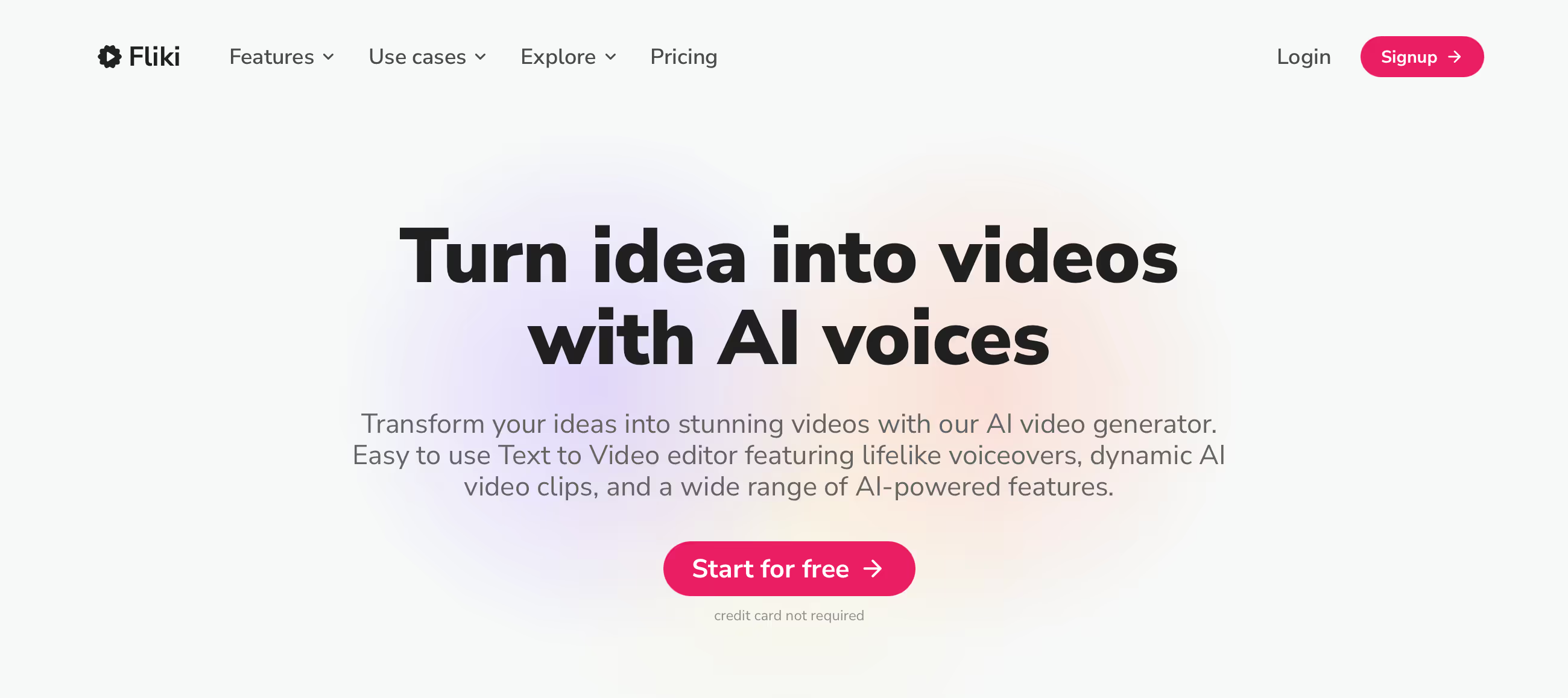
AI text-to-video and text-to-speech platform. Web-based — no software needed.
You need to produce video content regularly for social media but don't have editing skills or a production budget. You want to repurpose blog posts and articles into video format automatically.
You need unique, custom-shot video that doesn't look like stock footage, you're a filmmaker or creative professional who needs fine editing control (use Premiere Pro or DaVinci Resolve)…
Why Fliki?
Video content wins on every social platform — Instagram, TikTok, YouTube, LinkedIn — but most businesses and solo creators don't have the time, budget, or skills to produce it consistently. You know you should be posting video.
You just can't afford a $50/hour freelance editor for every piece. Fliki bridges that gap by turning your existing written content into video automatically, getting you from "I should make a video about this" to "here's the video" in minutes instead of days.
Multiple Paths to Video
This flexibility is what separates Fliki from simpler text-to-video tools. Script to Video takes your written script and matches each scene with stock footage, music, and voiceover. URL to Video pulls content from a blog post and converts it — useful for repurposing your content library into a new format.
Idea to Video takes just a prompt ("motivating video about healthy eating") and generates the script, visuals, and narration from scratch. PPT to Video converts presentations into narrated video. Each path reduces a different type of production friction, meaning your existing content — blogs, scripts, slides, even just ideas — becomes the raw material for video without starting from zero.
Voice Quality That Doesn't Sound Robotic
1,300+ voices across 80+ languages and 100+ dialects. The premium-tier voices — especially the ultra-realistic and ElevenLabs integrations — sound convincingly human, with natural rhythm, emotional range, and proper emphasis.
For marketers producing explainer videos, educators narrating courses, or agencies creating client content in multiple languages, the voice quality eliminates the need for voice actors on most projects. A reviewer noted the voices were "somewhat eerie" in how human they sounded — that's the compliment Fliki is going for.
The Verdict: Our Assessment
7.6/10 — Fliki solves a real problem for a massive audience: people who need video content but can't produce it traditionally. The multiple input paths (script, URL, idea, PPT), 1,300+ AI voices across 80+ languages, and the speed of going from text to finished video in minutes make it one of the most accessible video creation tools available.
For social media managers producing daily content, marketers repurposing blogs, and educators building course libraries, Fliki delivers genuine ROI. The trade-off: the output is recognizably AI-generated stock-footage video. It's polished, professional, and consistent — but it won't be mistaken for custom production. For many use cases, that's perfectly fine. For brand-critical content where uniqueness matters, you'll still need human creativity.
Criteria | Score | Verdict |
|---|---|---|
Speed | 9/10 | Script to finished video in minutes — 75% faster than traditional production for standard marketing and educational content |
Voice Quality | 8/10 | 1,300+ voices across 80+ languages; premium tiers sound convincingly human with natural emotion and rhythm |
Ease of Use | 9/10 | Scene-based editor requires zero video editing experience — anyone who can type can produce a video |
Input Flexibility | 8/10 | Script, URL, idea prompt, and PPT inputs cover most content repurposing needs from existing material |
Visual Originality | 5/10 | Stock-footage-driven output looks polished but generic — videos across creators can feel similar without manual customization |
Credit Value | 5/10 | Minutes consume faster than expected with advanced features; the free plan barely tests the tool |
⚠ Trade-offs: Maximum production speed and accessibility at the cost of visual originality. Fliki makes anyone a video producer — just not a cinematographer.
Fit by Business Type
Strongest for social media content and educational video; weakest for brand-critical creative work.
Strong Fit
✔ Social media managers (9/10) — daily video content across platforms becomes sustainable without a production team; templates cover Instagram, TikTok, YouTube Shorts formats.
✔ Content marketers (9/10) — repurpose your blog library into video with URL-to-video; multiply your content distribution without multiplying your workload.
✔ Educators and course creators (8/10) — turn lessons and training materials into narrated video without recording yourself; multilingual support reaches global audiences.
Moderate Fit
◑ Small businesses (6/10) — produces professional marketing videos affordably, but the stock-footage look may not differentiate your brand in competitive markets.
◑ Agencies producing client video (6/10) — speed and multilingual capability serve agency needs, but clients expecting custom production may find AI-generated output insufficient.
Poor Fit
✗ Filmmakers and creative professionals (2/10) — no fine editing control, no custom transitions, no cinematic toolset; this is content automation, not video production.
✗ Brands requiring unique visual identity (3/10) — stock-footage-driven videos won't differentiate your brand; custom production still wins when uniqueness matters.
What Users Say: Reviews & Verified Experiences
User ratings: 4.7/5 on G2, 4.5/5 on Capterra, with 5,500+ combined reviews. The platform serves creators, marketers, educators, and businesses — the review base is broad and the sentiment is consistently positive around speed and voice quality, with complaints centered on pricing and credit limits.
What Users Love
✩ Speed to finished video: Users describe going from idea to video in minutes — "took less than five minutes from idea to finished video on first try" and "easiest way to produce videos with AI" are common sentiments (Software Advice, G2).
✩ Voice quality: The AI voices earn specific praise for sounding natural with emotional range — "the customization options for tone and style are a huge plus" and the higher-tier voices are described as convincingly human (Software Advice, Capterra).
✩ Simplicity: "Video making is amazing and creative, allowing you to make edits as well" — users consistently note that no video editing skills are needed to produce professional-looking results (Software Advice).
Common Complaints
⚠ Pricing for what you get: "It is expensive but it is really helpful" captures a common tension — users acknowledge the value but wish the credit-to-cost ratio was more generous, especially for individual creators (Software Advice, Capterra).
⚠ Credit consumption: Users find that "changing AI voice before exporting is also based on credits — this should not be" and that experimenting with different options burns through allocation faster than expected (Software Advice).
⚠ Free plan limitations: The 5-minute monthly limit with watermarks and 720p resolution "is too limited for serious testing" — most users need a paid plan to properly evaluate the tool (user reports).
What Fliki Users Typically Achieve
Your Blog Starts Working Twice as Hard
The content marketers who get the most from Fliki are the ones repurposing their existing library. A blog post that took four hours to write becomes a 2-minute video in 10 minutes — same content, new format, new platform, new audience.
Drop the URL into Fliki, review the AI's scene breakdown, swap a few stock clips, choose a voice, and export. Over a month of blog posts, that's a dozen videos created from content you already wrote. Your written content starts working across YouTube, Instagram, TikTok, and LinkedIn without additional creative effort.
Video Production Becomes a Solo Operation
Before Fliki, producing a marketing video meant either learning Premiere Pro (weeks of investment), hiring a freelancer ($50+/hour with turnaround time), or settling for static images. After Fliki, a solo founder records a script over coffee, feeds it into the platform, and shares a polished explainer video by lunch.
The output won't win film festivals, but for social media posts, product overviews, and educational content, it's professional enough. Teams that were posting once a month because video was too hard now post weekly because the barrier dropped to almost nothing.
Multilingual Content Stops Being Expensive
A SaaS company targeting Spain, France, and Brazil used to budget $2,000+ per translated video — script translation, voice actor per language, re-editing for timing. With Fliki, they create the English video once and produce language variants for the cost of credits.
The AI handles translation and voice generation in each language. Quality varies (major languages sound better than niche ones), but for social media content where speed matters more than perfection, the savings are dramatic.
💡 Start with the Standard plan ($21/month annual) rather than the free plan — the free tier is too limited to evaluate properly. Use URL-to-video to repurpose your best-performing blog posts first; you already know that content resonates.
Preview the AI's visual selections before exporting to avoid wasting credits on scenes you'll need to redo. And for personal branding, the voice cloning on Premium is worth upgrading for — producing videos in your voice without recording each one scales your presence significantly.
3 Critical Mistakes to Avoid
Mistake #1: Judging Fliki by the Free Plan
A marketer signs up for the free plan, creates one 3-minute video with basic voices and watermarks, and decides the tool isn't worth it. The 720p resolution looks unfinished, the watermark screams "free tool," and the basic voice tier sounds noticeably robotic.
They move on without ever experiencing the premium voices, stock media library, or customization options that make Fliki's paid output genuinely professional.
⚠ The Fix: Budget for at least one month on Standard ($28/month) to properly evaluate Fliki. The difference between free and paid is dramatic — premium stock media, 1080p+ exports, no watermarks, and access to higher-quality voices transform the output. The free plan exists for a quick peek at the interface, not a fair evaluation of what Fliki actually produces.
Mistake #2: Publishing Without Customizing the AI's Choices
A content creator takes the AI's first-pass output and publishes it directly — auto-selected stock footage, default transitions, the first voice offered. The video looks generic, with B-roll that doesn't quite match the topic and pacing that feels robotic.
Their audience can tell it's AI-generated in seconds. Over time, their content starts looking identical to every other Fliki user who made the same mistake.
⚠ The Fix: Always customize the AI's first draft. Swap at least 30-40% of the auto-selected footage with better matches from the media library. Adjust scene timing so key points get more screen time. Choose a voice that fits your brand rather than defaulting to the first option. Add your brand colors and logo. The 10 minutes you spend customizing is the difference between "AI-generated slideshow" and "professional-looking video."
Mistake #3: Using Fliki for Content That Needs Custom Visuals
An agency produces a brand launch video for a client using Fliki. The stock footage looks clean but generic — it could be anyone's brand. The client expected unique visuals that reflect their specific product, office, team, and personality.
The delivered video feels impersonal, and the agency has to redo the work with custom footage anyway, having wasted time and credits on an approach that couldn't deliver what the project required.
⚠ The Fix: Match the tool to the content type. Fliki excels at educational videos, social media content, blog repurposing, internal training, and explainers — content where information delivery matters more than visual uniqueness. For brand videos, product launches, or anything where custom visuals define the quality, use traditional production or a tool like Descript where you work with your own footage. Fliki automates production; it doesn't replace creative direction.
Frequently asked questions
How much does Fliki cost?
Free: 5 minutes/month (watermarked, 720p). Standard: $28/month ($21 annual) — 180 minutes, premium stock media, commercial rights. Premium: $88/month ($66 annual) — 600 minutes, 2,000+ voices, voice cloning, all AI avatars, videos up to 40 min. Enterprise: custom pricing with API access and dedicated support. Credits don't roll over monthly.
How does Fliki compare to Synthesia?
Synthesia focuses primarily on AI avatar-presented videos for corporate training and enterprise communication. Fliki is broader — text-to-video, text-to-speech, blog-to-video, idea-to-video — with stronger voice variety (1,300+ vs. Synthesia's library) and more affordable pricing. Choose Synthesia for avatar-focused corporate video at scale. Choose Fliki for versatile content creation across social media, marketing, and education.
Can I use Fliki videos commercially?
Yes — all paid plans include commercial usage rights. You can publish and monetize Fliki-created content on YouTube, social media, websites, and other platforms, provided your text content is original. The free plan includes watermarks that must be removed (via paid upgrade) before commercial use.
How good are Fliki's AI voices?
1,300+ voices across 80+ languages and 100+ dialects. The quality tiers matter: basic voices sound noticeably AI-generated, higher-quality voices sound natural for most content, and ultra-realistic/studio-quality voices (Premium) are convincingly human with emotional range. Major languages have the best selection; less common languages have fewer high-quality options.
Can Fliki clone my voice?
Yes — voice cloning is available on Premium plans ($66/month annual). Record a sample of your voice and Fliki creates an AI clone that generates narration from any script. The clone sounds close to your real voice, especially in short segments. This lets you scale personal-brand video content without recording each narration individually.
Does Fliki work offline?
No — Fliki is entirely web-based and requires an internet connection. There's no desktop app or offline mode. All processing, rendering, and export happen on Fliki's servers. This means you can access it from any device with a browser, but you can't work without connectivity.