A 12-person marketing agency signed up for the cheapest shared hosting plan they could find. The site looked fine in testing. Then their first viral blog post hit—8,000 visitors in a single afternoon—and the site went down for three hours. They lost the traffic, the momentum, and the leads that would've paid for two years of better hosting.
Your hosting provider isn't a line item. It's the foundation everything else sits on. And in 2026, with hundreds of providers all claiming 99.99% uptime and blazing speeds, the real question isn't which host is "best." It's which one won't become the bottleneck the moment your business starts working.

We cut through the jargon with real benchmark data, transparent pricing (renewal rates included—you're welcome), and decision frameworks based on what actually matters for your site.
Why Hosting Matters More Than You Think
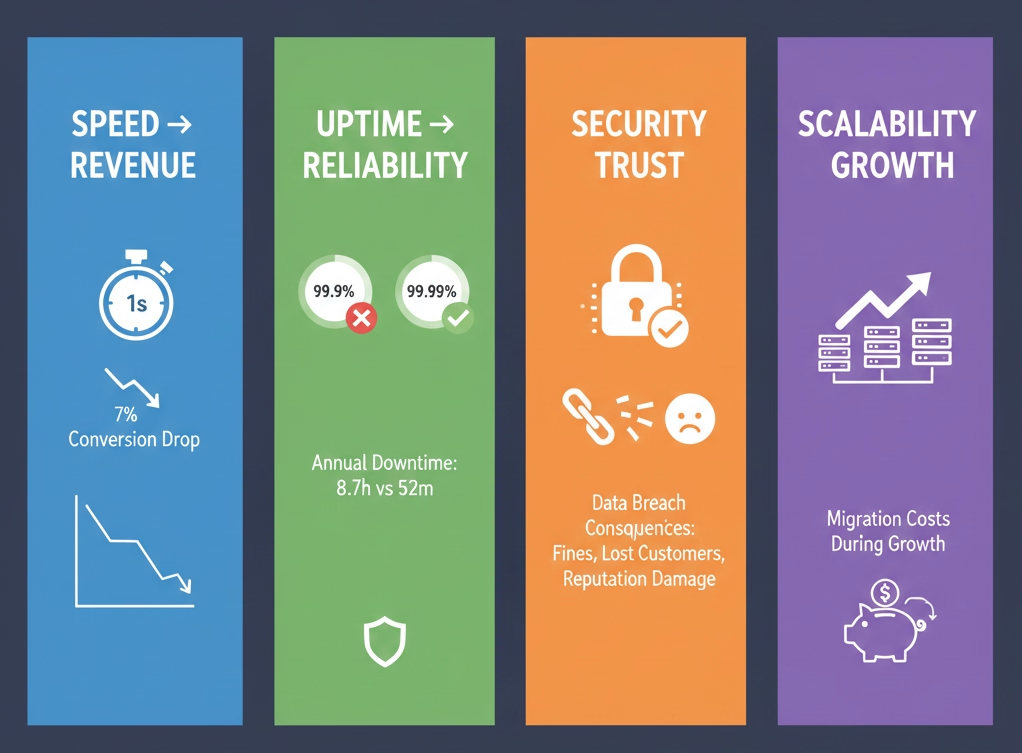
Speed impacts revenue directly. A one-second delay in page load time causes a 7% drop in conversions. For an e-commerce site doing $100,000 monthly, that's $84,000 in lost annual revenue from one extra second.
Uptime is the trust you can't fake. The difference between 99.9% and 99.99% uptime is 8 hours of downtime per year versus under 1 hour. For a SaaS business, that gap is thousands in lost subscriptions and a support inbox on fire.
Security vulnerabilities compound fast. Shared hosting with weak protocols exposes your site to attacks that compromise customer data, tank SEO rankings, and destroy your reputation overnight.
Scalability determines your growth ceiling. Starting on hosting you'll outgrow in 12 months means migrating mid-growth—a process that breaks things, costs money, and kills momentum at exactly the wrong time.
Hosting Types: What They Actually Mean
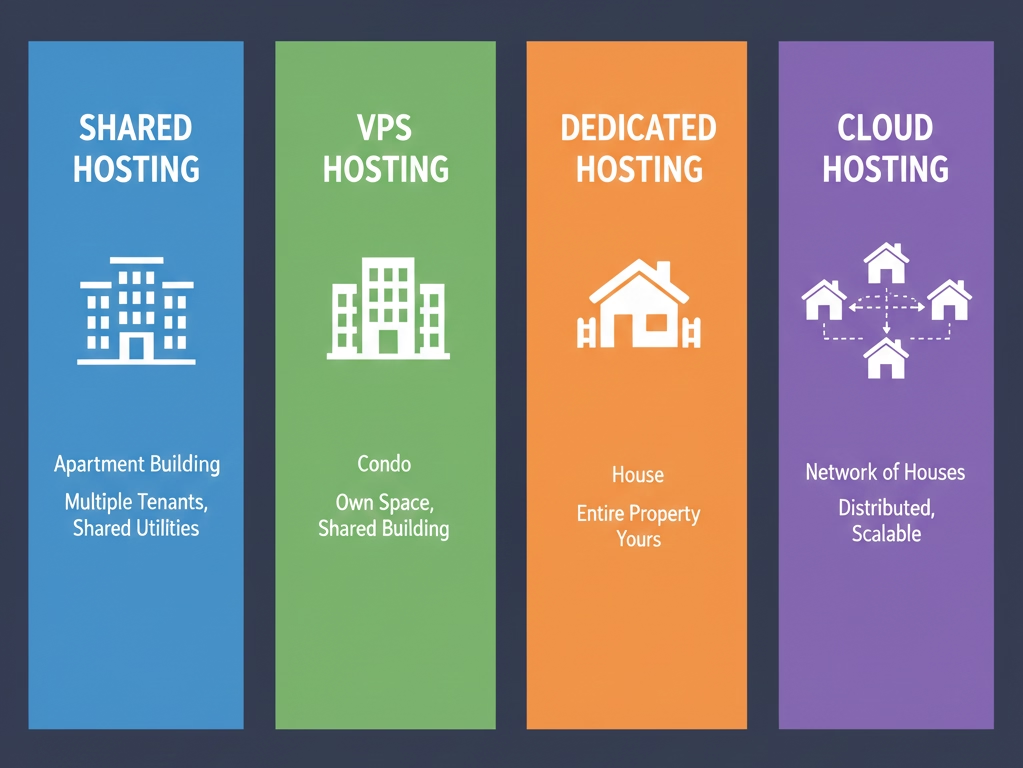
Shared hosting is the apartment building of web hosting—everyone shares utilities. You get 300-800ms TTFB, capacity for 50-500 concurrent visitors, and $2-10/month intro pricing ($8-25 at renewal). Great for new blogs and small business sites. The catch: if your "neighbor" sites spike in traffic, your site slows down too.
VPS hosting is the condo—you own your space within a shared building. Dedicated resources, 150-400ms TTFB, 500-5,000 concurrent visitors. $15-80/month managed, $5-40 unmanaged. Perfect for growing e-commerce and membership sites, but unmanaged VPS requires real technical chops.
Dedicated hosting means you own the whole building. 80-200ms TTFB, 10,000+ concurrent visitors, $80-500+/month. Overkill for 95% of websites. Reserved for large e-commerce platforms and enterprises with strict compliance needs.
Cloud hosting runs your site across a network of servers—if one fails, another takes over instantly. 100-350ms TTFB, virtually unlimited scaling, $10-200+/month pay-as-you-go. Black Friday traffic spike? Handled. January slump? You don't pay for what you don't use.
Features That Actually Impact Performance
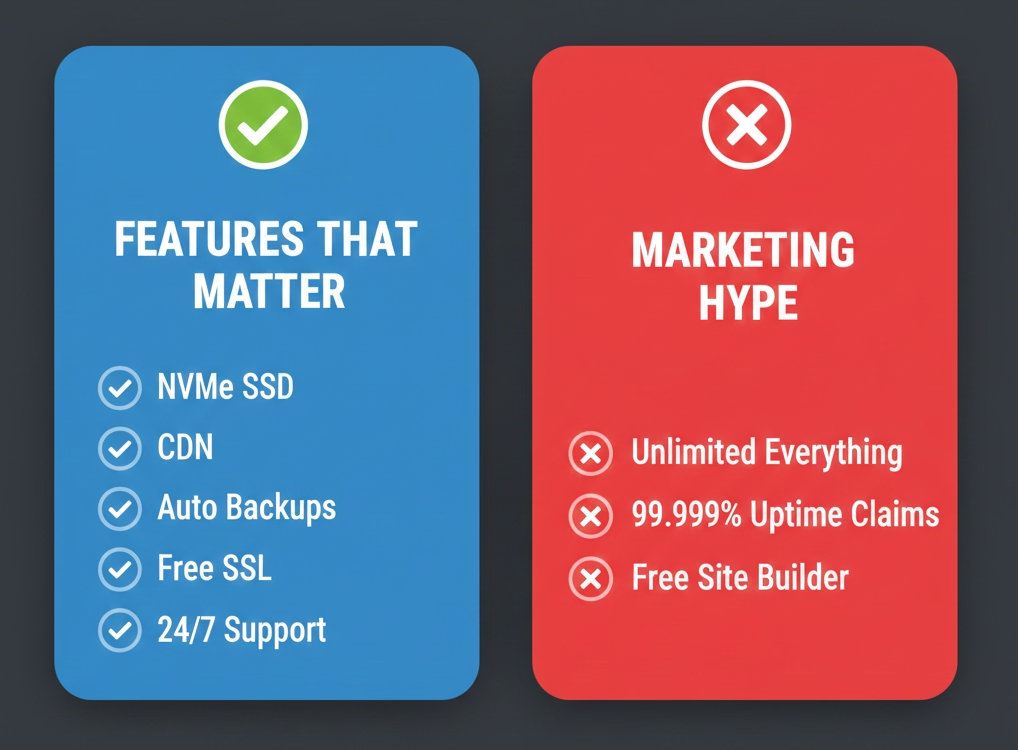
Hosting providers love stuffing feature lists with impressive-sounding jargon. Here's what moves the needle and what's noise.
NVMe SSD storage loads files 6x faster than SATA SSDs—measurable, not marketing. LiteSpeed/NGINX servers process PHP 50% faster than Apache. If you're running WordPress, this matters. Server-level caching (Redis, Memcached) reduces database queries and can improve load times 40-60%. CDN integration serves files from servers closest to your visitors—critical for global audiences. Free SSL should be automatic and standard, not an upsell. Daily automated backups with easy restoration should be table stakes.
For support, the benchmark that separates great from mediocre is sub-2-minute live chat response time. Test this during trials. And if you're running WordPress, generic hosting support wastes your time—you want people who know the platform inside out.
Real Performance Data: Who's Actually Fast
Independent testing from HostingStep, WPBeginner, and AdwaitX measured TTFB, uptime, and load handling across 20+ providers. These are the numbers that matter.
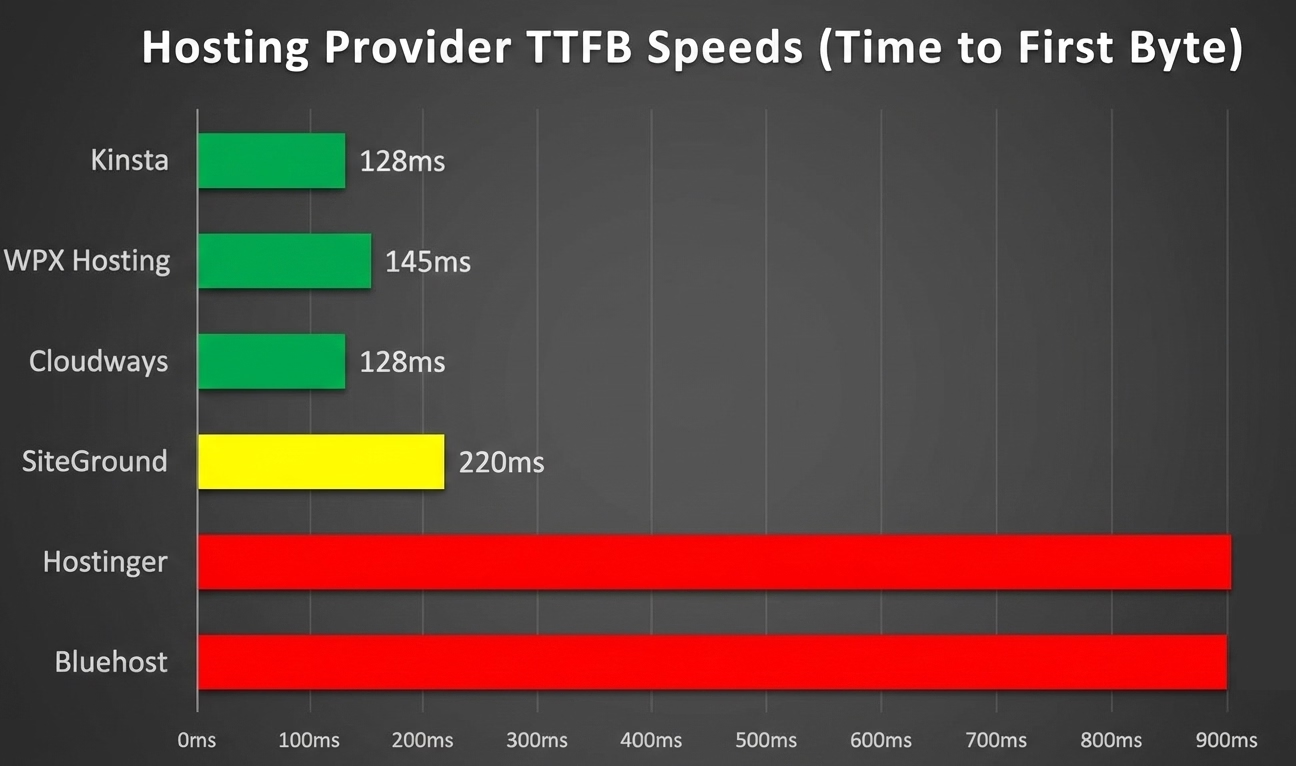
Speed leaders (sub-200ms TTFB): Kinsta at 128ms (Google Cloud C2 infrastructure), WPX Hosting at 145ms, Cloudways on Vultr High Frequency at 128ms, and SiteGround at 220ms.
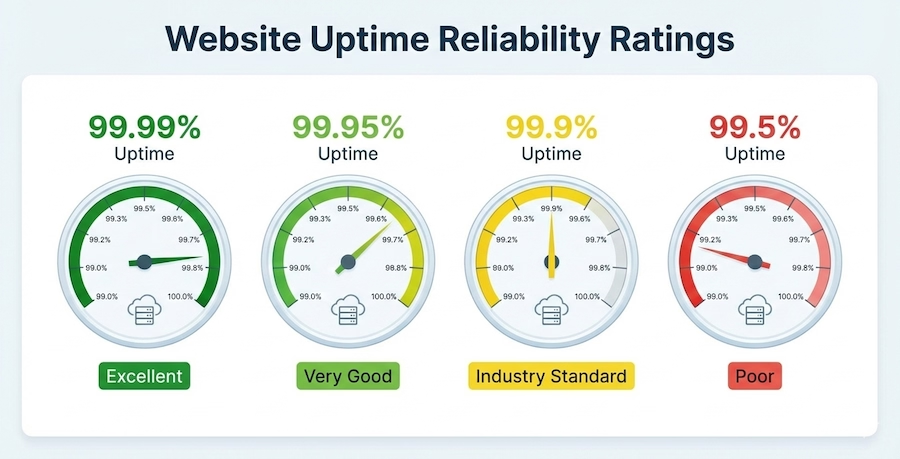
Uptime champions (99.99%+): Kinsta and SiteGround both hit 99.99% observed uptime. WPX at 99.98%. InMotion at 99.95%.
Under load (100 concurrent users): Kinsta responded in 47ms with zero errors. WP Engine at 56ms. Cloudways at 89ms. SiteGround at 107ms.
Budget performers: Hostinger delivered 902ms TTFB at $2.99/month—exceptional value. HostArmada showed strong shared hosting performance. Bluehost has improved but remains mid-tier.
One thing to keep in mind: raw speed isn't everything. A site loading in 200ms with 99.5% uptime gives a worse user experience than one loading in 400ms with 99.99% uptime. Consistency matters more than peak performance.
The 10 Providers Worth Considering in 2026
Kinsta — Premium Managed WordPress, No Compromises
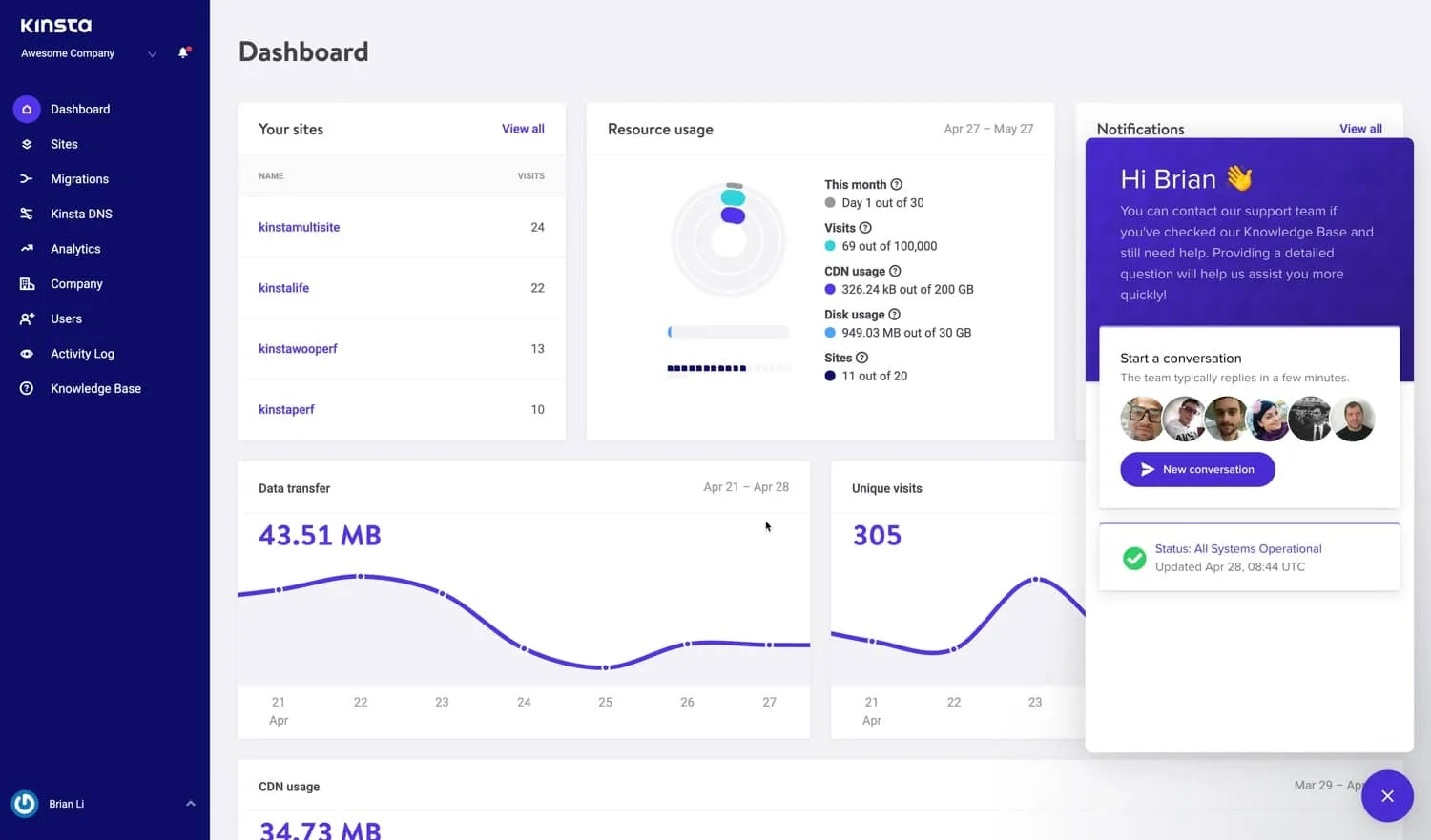
Starting at $35/month (first month free trial available). Kinsta runs exclusively on Google Cloud's C2 compute-optimized VMs—the same infrastructure behind YouTube. Every plan includes Cloudflare Enterprise CDN, edge caching, and DDoS protection that would cost hundreds monthly purchased separately. 128ms average TTFB, 37 global data centers, DevKinsta for local development, free unlimited migrations, staging on all plans, and expert support averaging under 2 minutes.
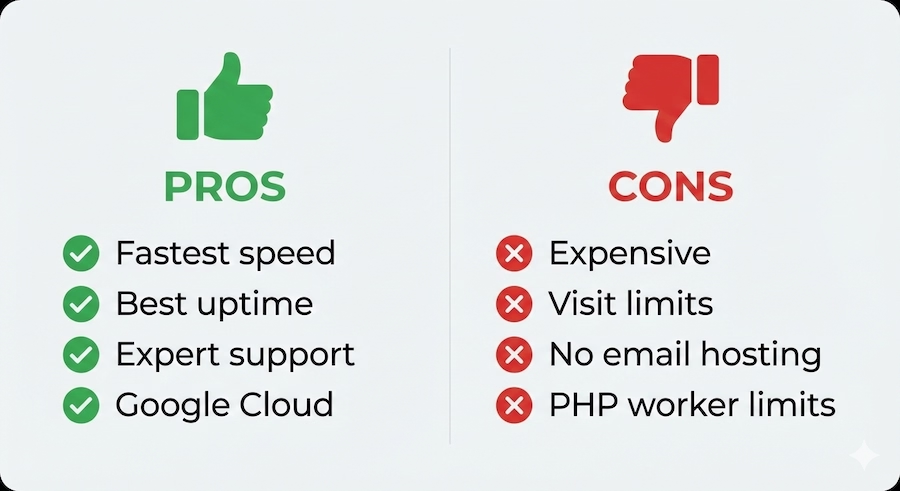
Kinsta is expensive compared to shared hosting. The lowest plan caps at 25,000 visits/month, no email hosting is included, and PHP worker limits can force upgrades on high-concurrency sites. But for high-traffic WordPress sites, e-commerce platforms doing $10k+/month, or agencies managing client sites where downtime costs real money—this is the infrastructure that lets you stop worrying about hosting and focus on the business.
SiteGround — Enterprise Infrastructure, Beginner Pricing
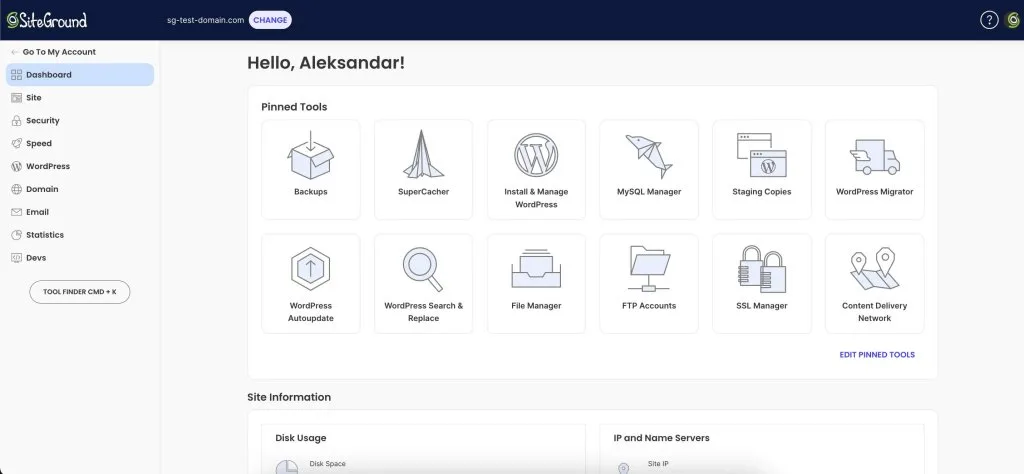
Starting at $3.99/month intro ($14.99 renewal). SiteGround packages Google Cloud infrastructure as user-friendly shared hosting. One of only three hosts officially recommended by WordPress.org. 220ms average TTFB (exceptional for shared hosting), free Cloudflare CDN, daily backups, free migration, staging on GrowBig+, and support that averages under 10-minute response times.
The renewal jump is the biggest drawback—4-5x the intro price. Storage limits are strict (10GB on StartUp), and performance degrades past visitor limits. But for your first WordPress site with predictable traffic under 10,000 visits/month, SiteGround is the safe pick. If $15/month renewal works long-term, you're set.
Cloudways — Cloud Power Without the DevOps Headache
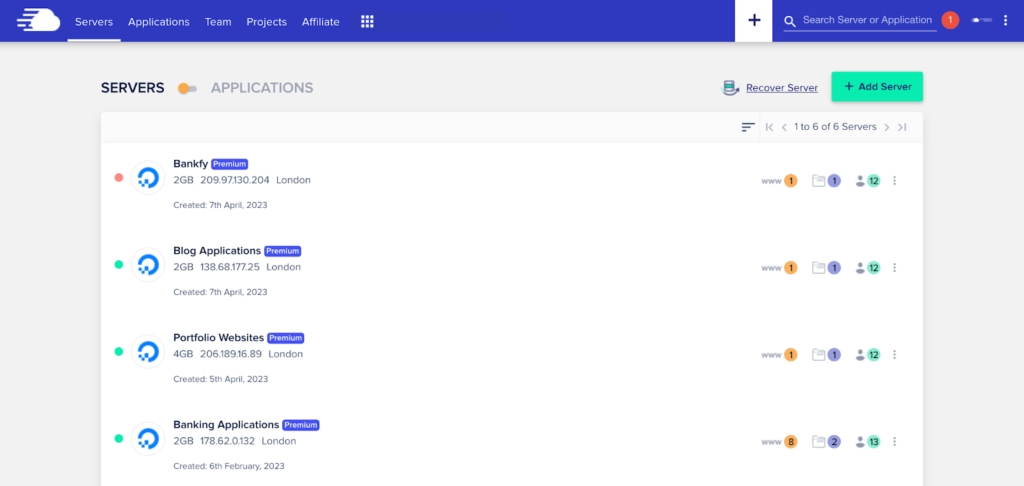
Starting at $11/month (DigitalOcean), $15/month (Vultr HF). Cloudways sits on top of DigitalOcean, Vultr, AWS, Google Cloud, and Linode, giving you cloud hosting power with managed convenience. Pay-as-you-go pricing, no long-term contracts, unlimited websites per server, staging environments, built-in Redis/Memcached caching, and auto-healing servers.
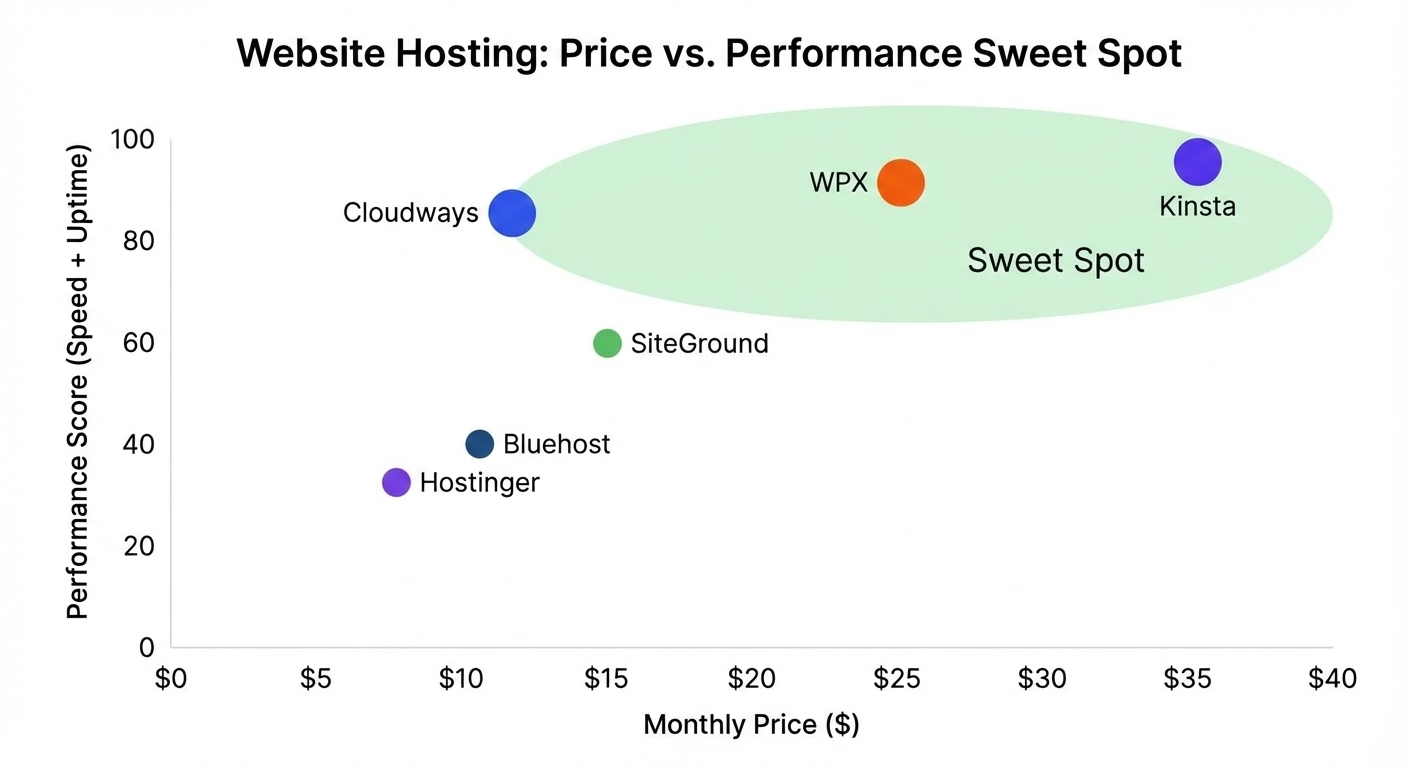
No email hosting, no root SSH access, and support is knowledgeable but slower (15-30 minute responses). But for agencies managing 5+ client sites, mid-sized e-commerce with unpredictable traffic, or developers who want server control without full DevOps responsibility, Cloudways hits the sweet spot between power and sanity.
Bluehost — The Beginner Default (For Better or Worse)
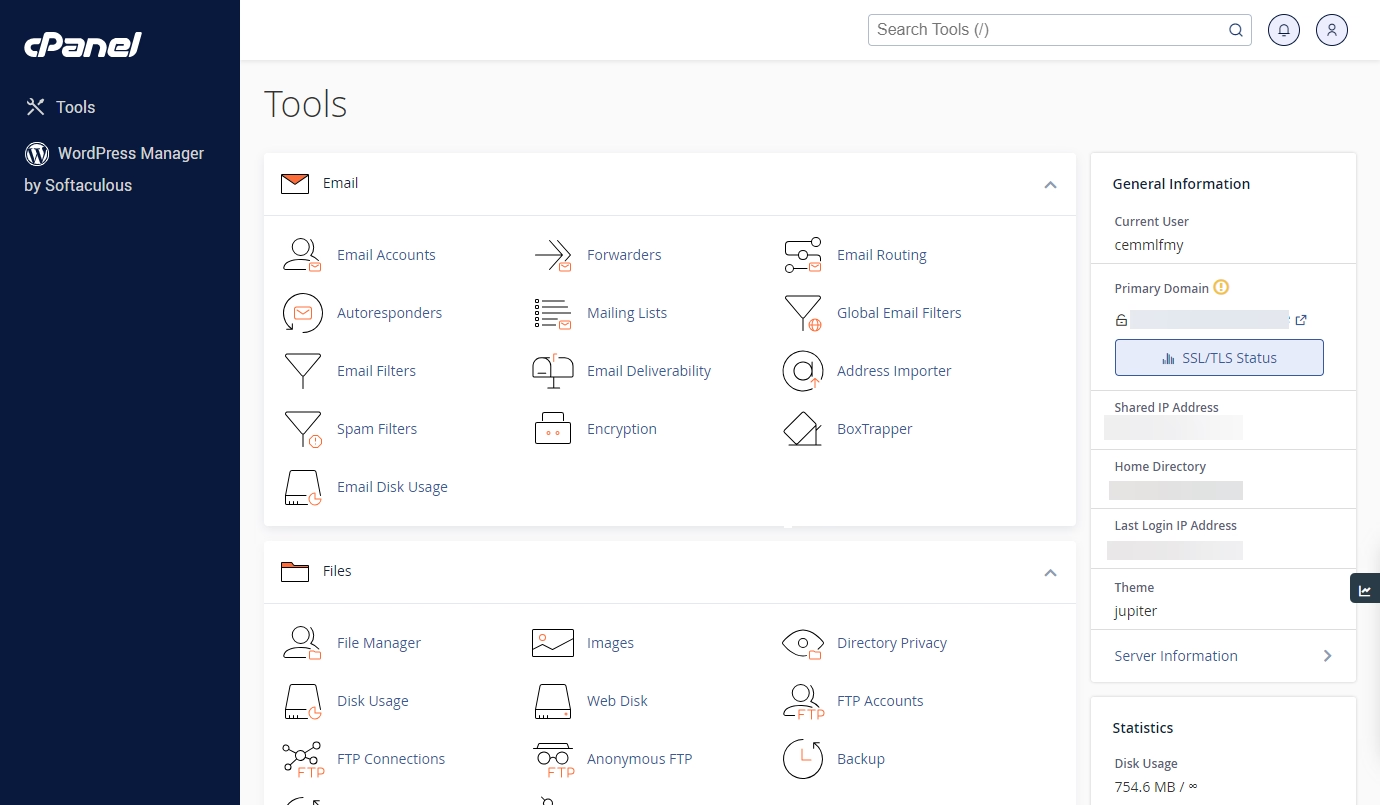
Starting at $2.99/month intro ($9.99 renewal). Bluehost is the largest WordPress.org-recommended host. Free domain first year, one-click WordPress install, unmetered bandwidth, 50GB storage, and WonderSuite website builder. Their strength is making hosting approachable for absolute first-timers.
Performance lags competitors with 900ms average TTFB. TrustPilot reviews flag billing complaints and inconsistent support. Renewals jump 3x. A cooking blog with 1,200 visits/month runs reliably on Bluehost Basic at 2.3s load times—not fast, but functional. If your budget is razor-thin and your needs are simple, it works. But plan to migrate once you outgrow it, because you will.
WPX Hosting — Near-Premium Speed, Mid-Tier Price
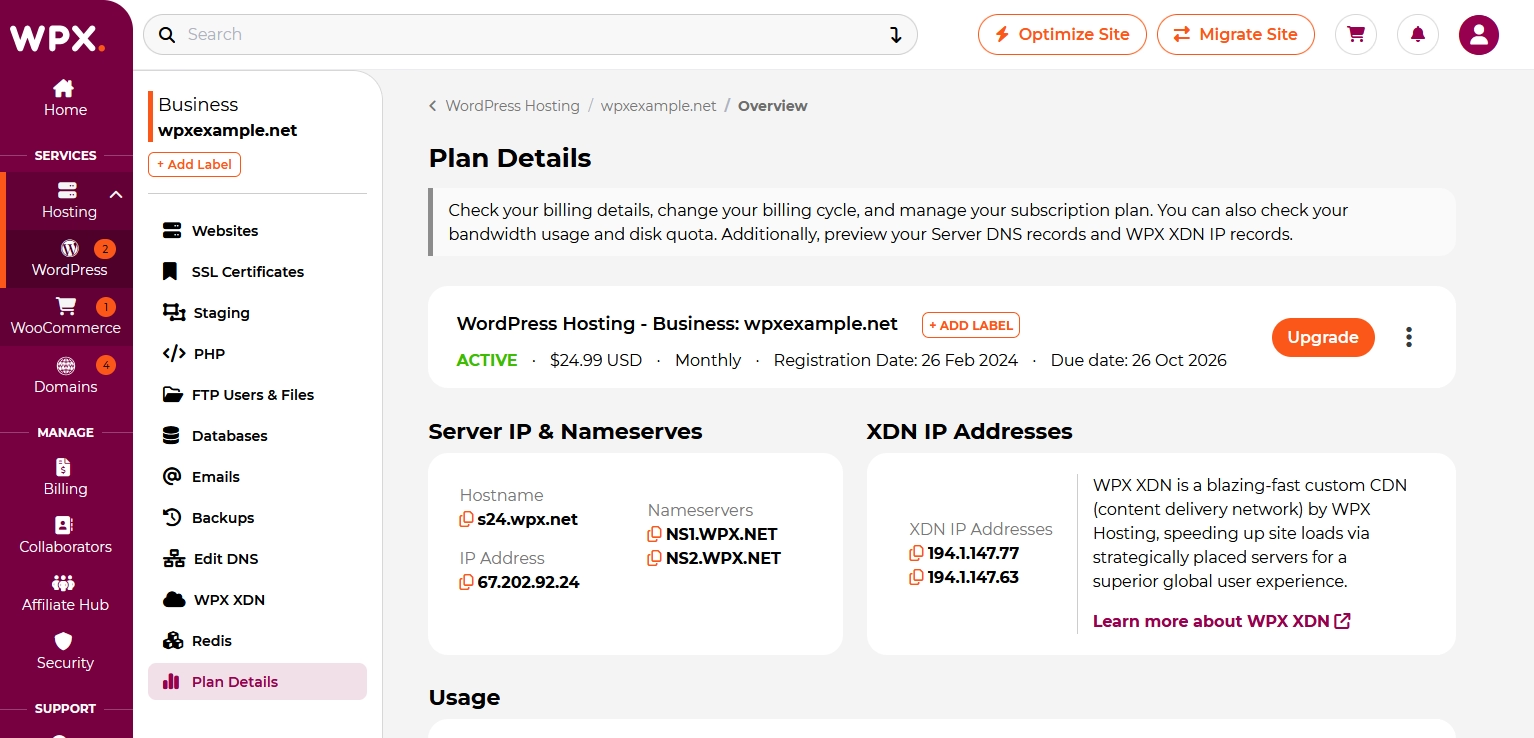
Starting at $24.99/month. WPX delivers 145ms average TTFB—near-Kinsta performance at half the price. Custom CDN with 28 global locations, free unlimited migrations, free malware scanning and removal, DDoS protection, staging on all plans, and live chat support under 2 minutes.
WordPress and PHP only—no email hosting, bandwidth caps on entry plans (100GB on Business). But for WordPress sites where speed directly impacts revenue—bloggers monetizing through ads and affiliates, small WooCommerce stores—WPX gives you premium performance without the premium invoice.
Hostinger — More Value Per Dollar Than Anyone
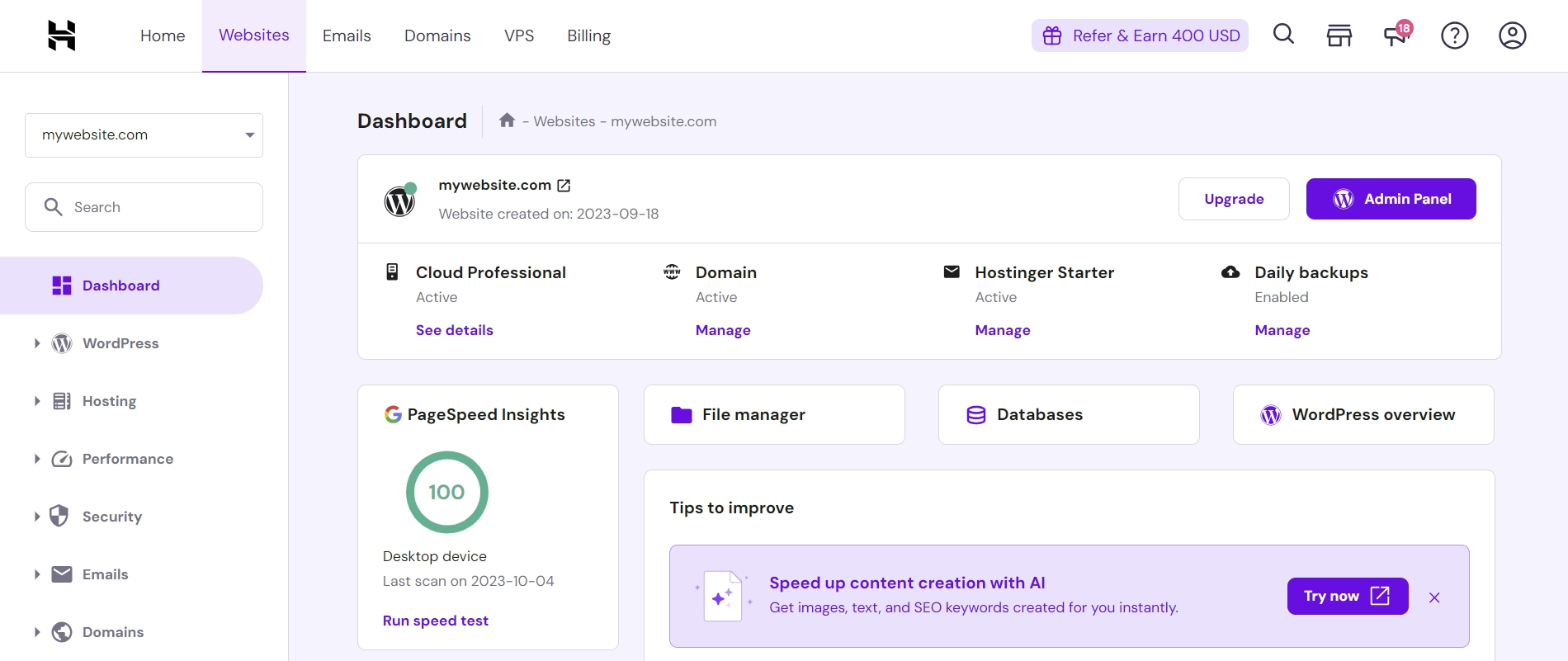
Starting at $2.99/month intro ($7.99 renewal). Hostinger runs LiteSpeed servers with NVMe storage and allows up to 100 websites on the Premium plan—unheard of at this price. 902ms TTFB (respectable for $2.99), free SSL and CDN, daily backups, email hosting with 100 accounts, and the highest inode limits in the industry.
Support quality varies (response times swing from 2 to 30 minutes), and performance is acceptable but not exceptional. Hostinger is the freelancer's secret weapon—hosting multiple small client sites economically, spinning up niche projects without financial risk. Better for 10 small sites than one high-traffic one.
InMotion Hosting — When Support Is the Priority
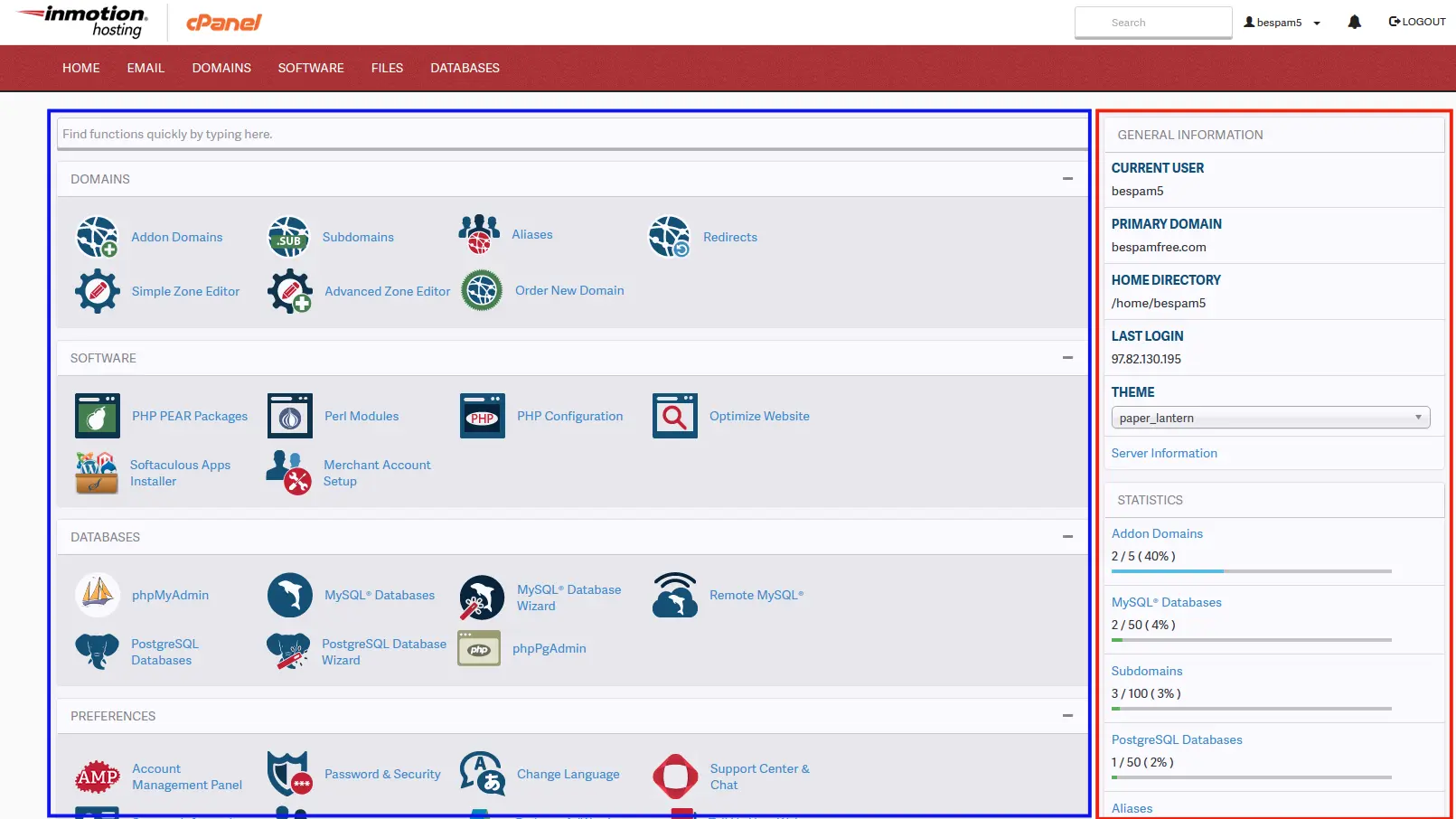
Starting at $2.99/month intro ($9.99 renewal). InMotion emphasizes reliability and U.S.-based support. Their 90-day money-back guarantee—longest in the industry—shows genuine confidence. Consistent 99.95% uptime, free domain, free migration, SSD storage, and 24/7 phone/chat support.
A local law firm runs their 5-page site on InMotion Core. 800 visits/month, nothing fancy—but the managing partner wants to pick up a phone when something breaks, and InMotion's support recovered an accidentally deleted page within minutes. Performance is mid-tier, server locations are U.S.-only. But if phone support and a long trial period matter more than cutting-edge speed, InMotion delivers on that promise.
DigitalOcean — Full Control for Technical Teams
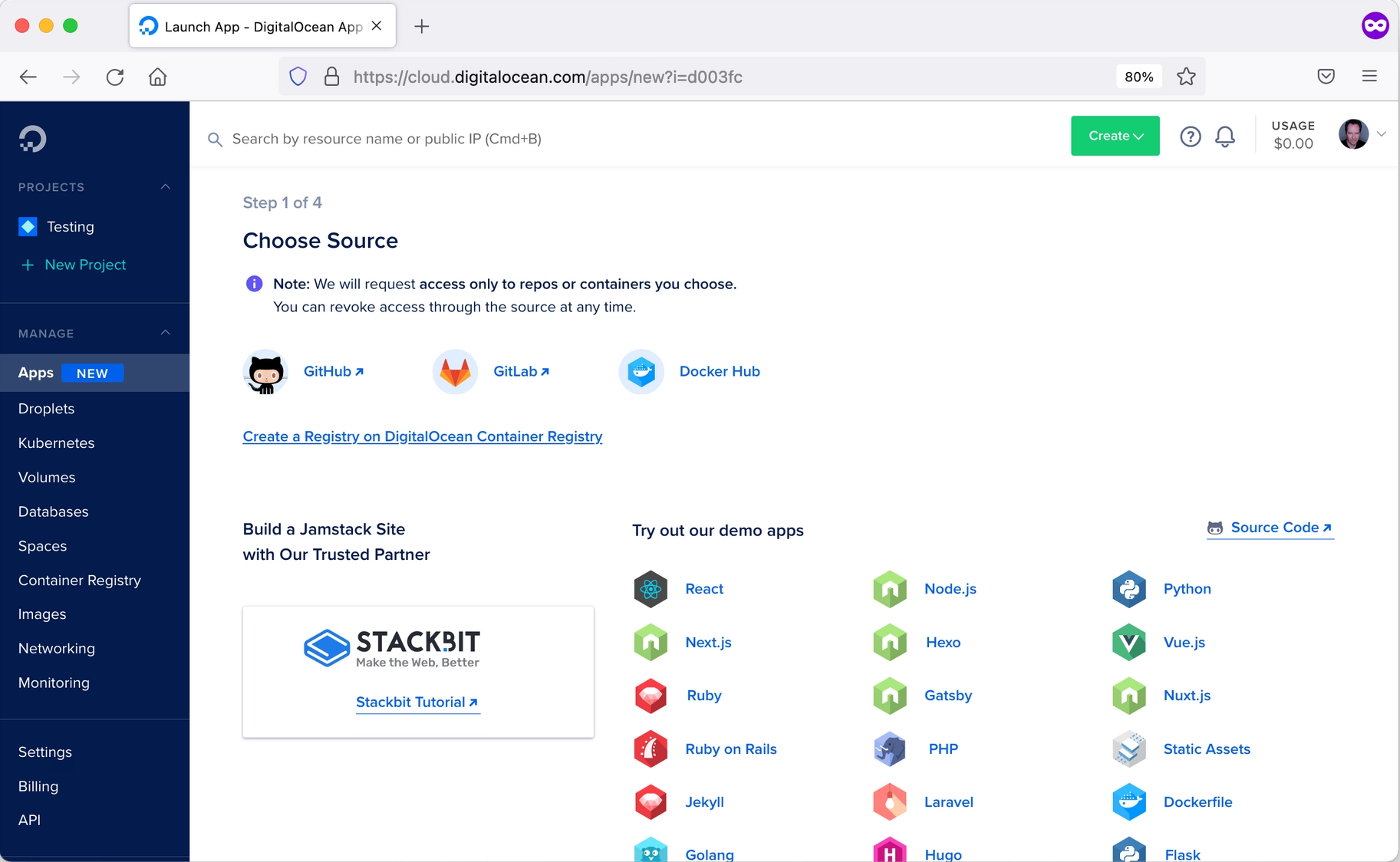
Starting at $6/month. DigitalOcean provides raw cloud infrastructure with transparent pricing. 15 global data centers, $200 free credit for new accounts, developer-friendly API, extensive documentation, and a marketplace for one-click apps. No managed services, no hand-holding.
If your team includes developers who handle their own DevOps, DigitalOcean gives you complete infrastructure control at predictable costs. If you need someone to configure and secure your server for you, look elsewhere.
GoDaddy — Brand Recognition Over Performance
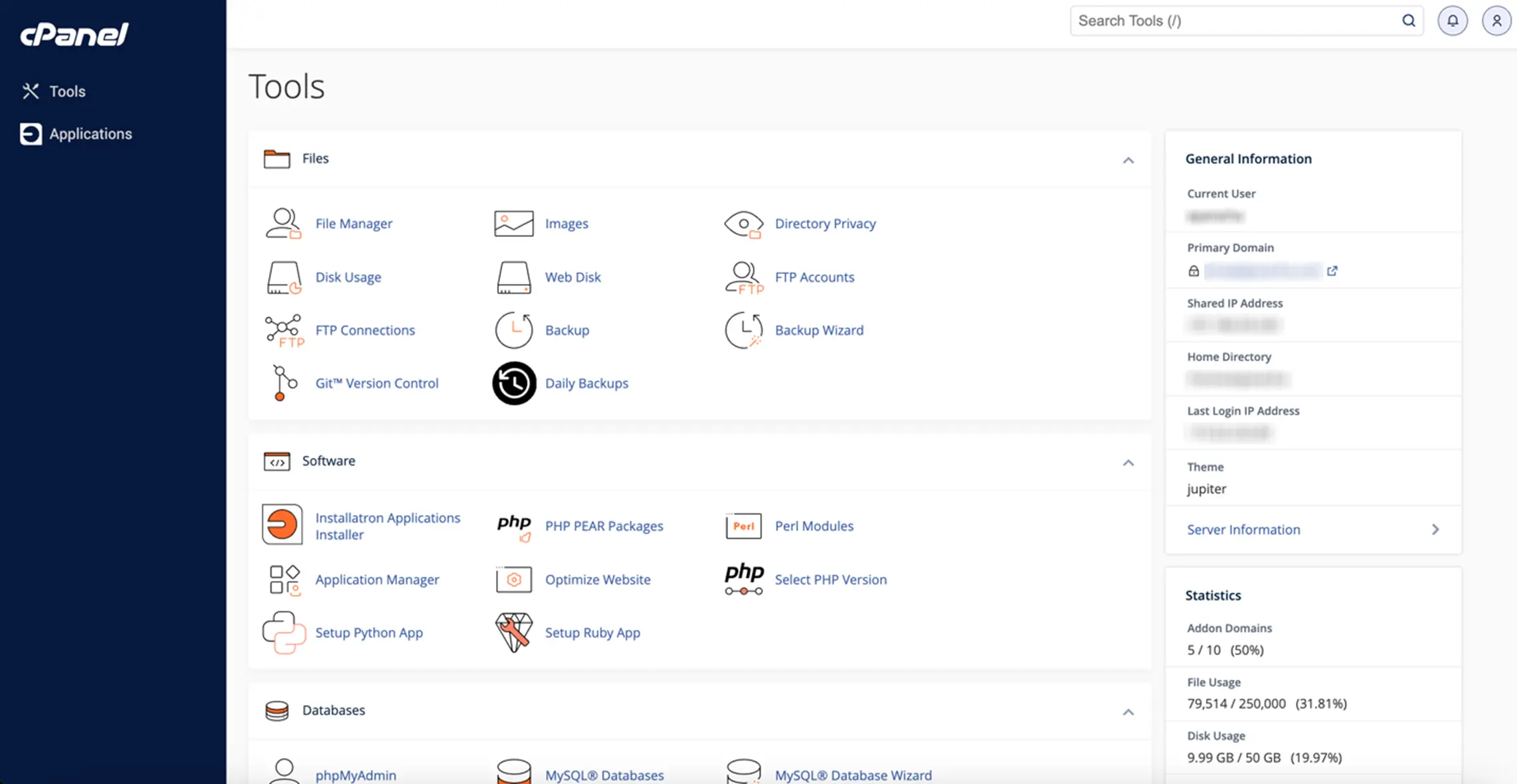
Starting at $2.99/month intro ($9.99 renewal). GoDaddy bundles domains, hosting, email, and a website builder into one familiar platform. Performance is mediocre in testing. TrustPilot sits at 3.2/5 with common complaints about billing practices and upsells. Better alternatives exist at similar pricing, but if you're already deep in the GoDaddy ecosystem and want everything in one place, it functions.
IONOS — Budget European Engineering
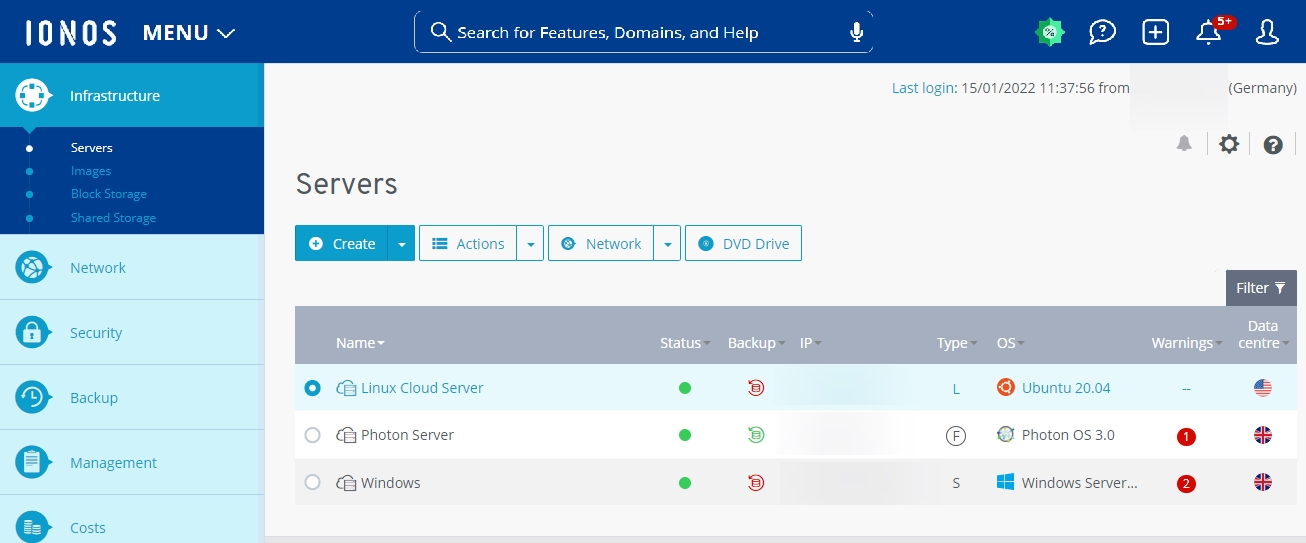
Starting at $1/month intro ($10 renewal). IONOS (formerly 1&1) offers aggressive intro pricing, unlimited traffic, free domain and SSL, daily backups, and email hosting with up to 500 accounts. European data center locations benefit EU audiences. The intro rate requires a long-term commitment, and renewal increases are steep. Mid-tier performance, inconsistent support. But for budget-conscious users with European audiences who need unlimited bandwidth, IONOS fills a specific gap.
What You Actually Pay (Spoiler: More Than Advertised)
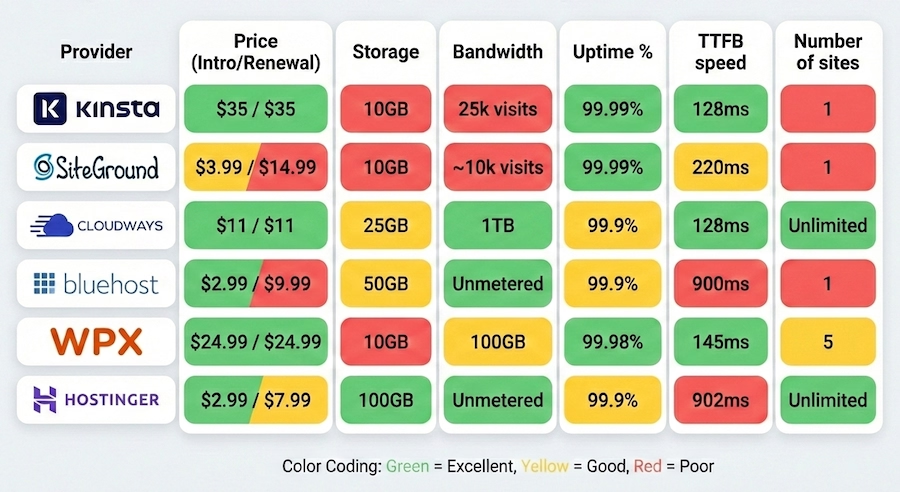
Under $5/month gets you shared hosting with 600-900ms TTFB. $10-30/month unlocks managed cloud or premium shared with 200-400ms TTFB and real support. $30-100/month buys premium infrastructure with sub-200ms TTFB, 99.99% uptime, and expert-level support. Over $100/month is dedicated or high-resource cloud for sites where hosting performance is directly tied to revenue.
Security: What You Can't Afford to Skip
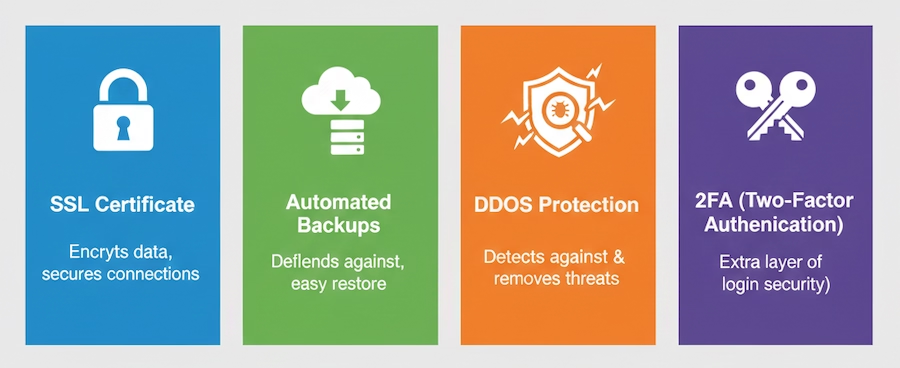
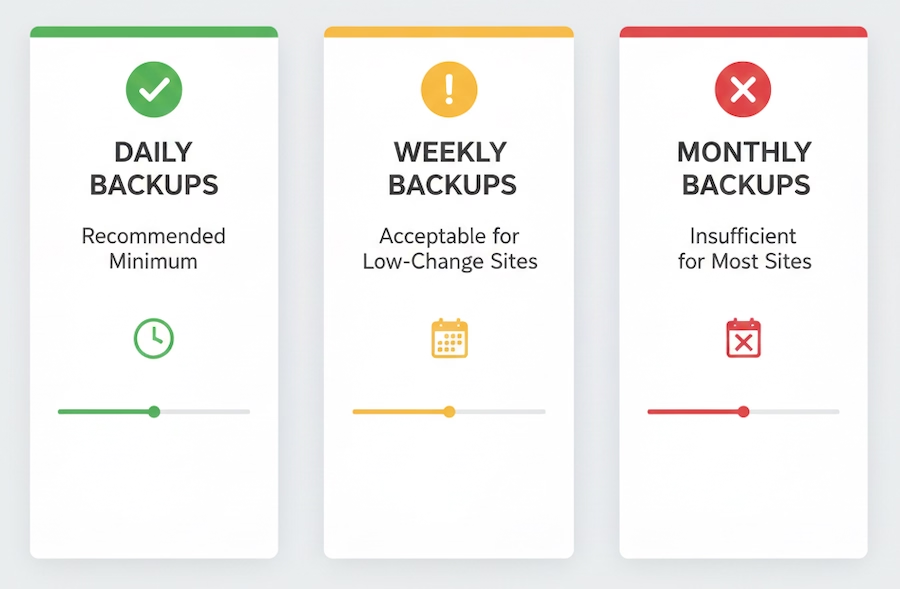
Free automatic SSL is non-negotiable—Google penalizes non-HTTPS sites and browsers show "Not Secure" warnings. SiteGround and Kinsta handle renewal with zero user involvement. For backups, daily automated with offsite storage is the minimum. Kinsta offers 14-30 day retention, SiteGround 30 days on GrowBig+, and WPX allows unlimited on-demand backups.
DDoS protection should be standard. Kinsta includes Cloudflare Enterprise on all plans—that alone would cost more than the hosting itself if purchased separately. For malware scanning, WPX includes free removal (not just detection), which is a genuine differentiator.
The Mistakes That Cost Real Money
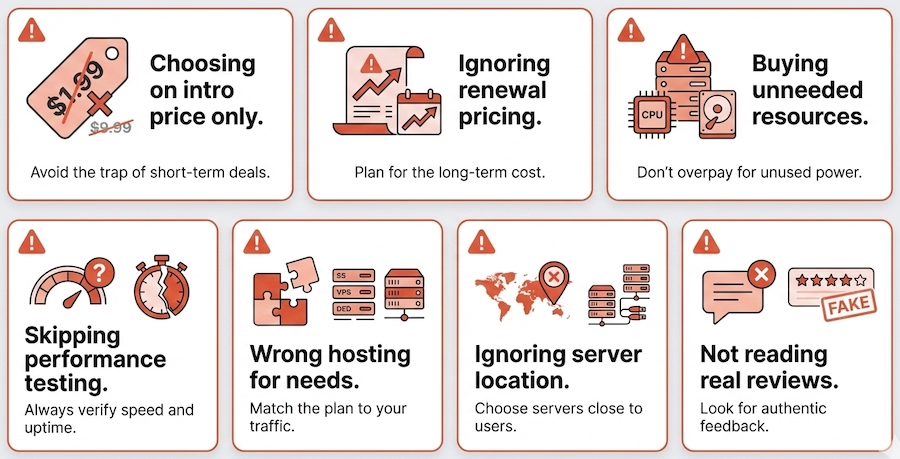
Choosing on intro price alone. That $2.99/month requires a 3-year commitment and renews at $14.99. Calculate total cost over 3 years. A host charging $10/month consistently often costs less than one advertising $3/month that renews at $15.
Ignoring renewal rates. SiteGround's StartUp renews at 375% of intro. Bluehost jumps 333%. Providers with consistent pricing—Kinsta, WPX, Cloudways—eliminate the surprise entirely.
Buying resources you won't use. "Unlimited bandwidth" is marketing for features irrelevant to your 500-visitor blog using 2GB of storage.
Skipping performance testing. Independent testing shows 3-5x performance differences between hosts at similar price points. Hostinger at $2.99/month can outperform Bluehost at $9.99/month renewal.
Ignoring server location. Australian visitors to U.S.-hosted sites experience 250-400ms extra latency before content even starts loading. Match your server to your audience, or use a CDN.
Real Stories: What Actually Happened After Switching
E-commerce migration that paid for itself. HandmadeJewelry moved from Shopify ($79/month + transaction fees) to WooCommerce on Cloudways ($22/month). Saved $57/month in hosting plus $1,440/year in eliminated transaction fees. Page load dropped from 2.8s to 950ms. Conversion rate jumped from 1.3% to 1.9%—a 46% improvement. ROI was immediate.
Agency consolidation that reclaimed 10 hours/month. DesignStudio managed 28 client sites across Bluehost, SiteGround, and GoDaddy at $420/month total. Consolidated onto a single Cloudways server at $85/month. Saved $4,020/year, got consistent performance across all sites, and stopped spending 10+ hours monthly managing multiple hosting dashboards.
Speed upgrade that generated $2,600/month. TechBlog, an affiliate site, moved from Bluehost shared ($14.99/month) to WPX Business ($49.99/month). Load times dropped from 3.1s to 740ms. Bounce rate fell from 68% to 42%. Monthly revenue jumped from $4,200 to $6,800. Same content, same SEO, same traffic sources—just faster hosting. The extra $35/month in hosting generated $2,600/month in additional revenue.
The Real Pricing Math
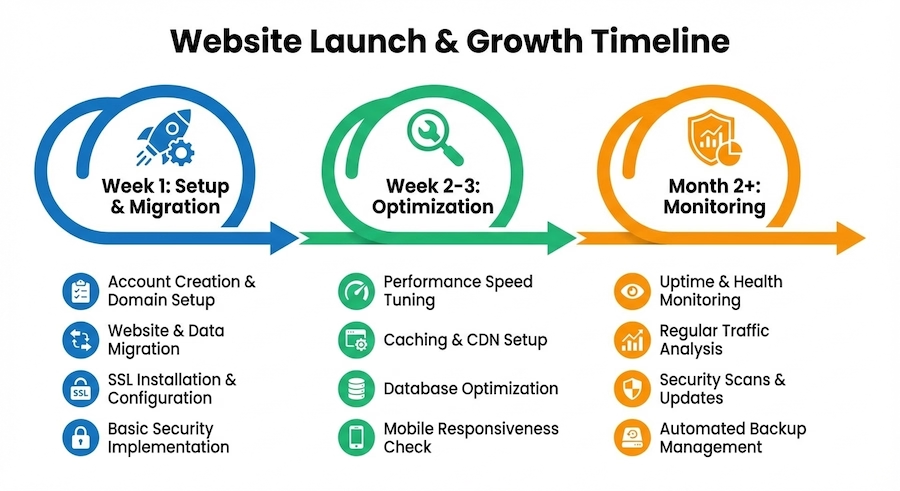
Factor in domain registration ($12-20/year), email hosting ($5-10/month if not included), backup storage ($3-10/month on budget hosts), CDN ($5-50/month add-on for budget hosts), and migration fees ($50-150 after the first free one). Over 3 years: Hostinger Premium averages $7.57/month. SiteGround GrowBig averages $18.82/month. Kinsta Starter (with separate email) averages $42.25/month.
If your site generates revenue, the math changes dramatically. Making $1,000/month? $35 hosting is 3.5% of revenue. Making $10,000/month? $200 hosting is 2%. And if faster hosting improves conversion rate by even 0.5%, premium hosting pays for itself many times over.
The Decision That Actually Matters
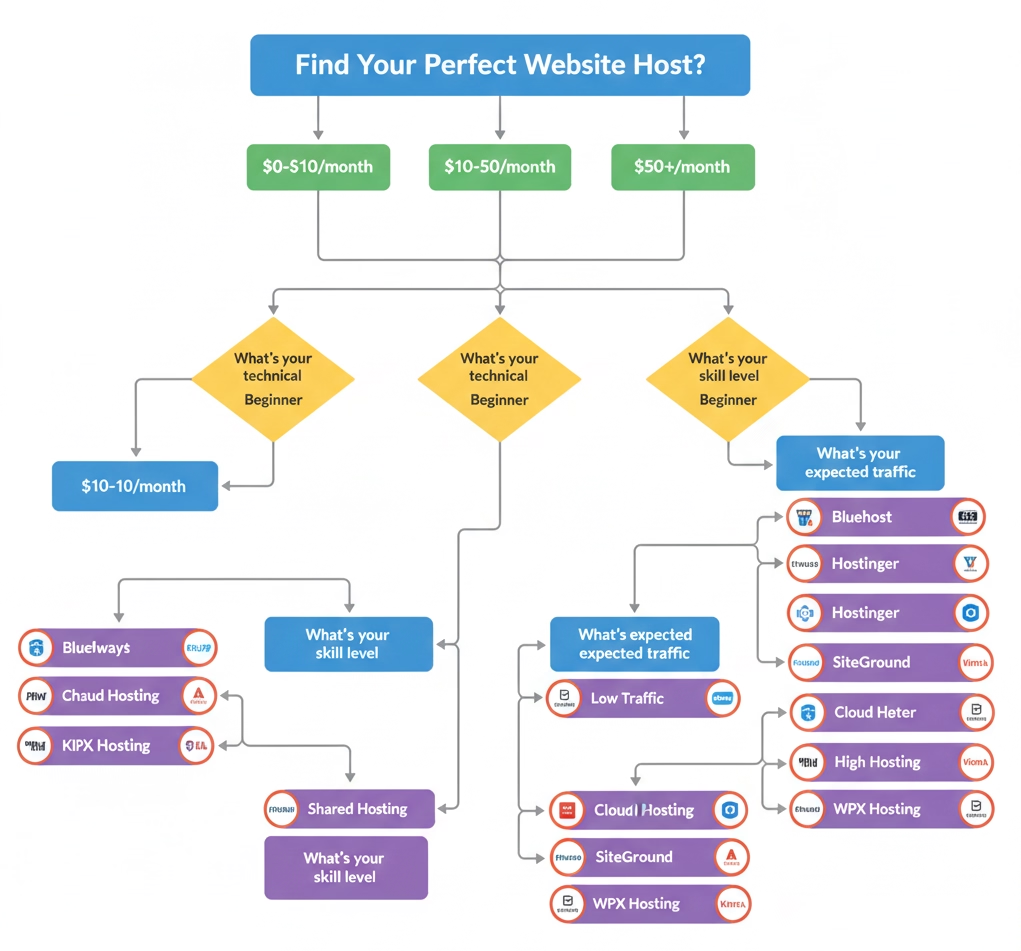
The "best" hosting provider doesn't exist. There's only the best fit for your traffic, your technical comfort, your growth trajectory, and your budget. SiteGround is the safe choice for 70% of site owners who want solid performance and excellent support. Kinsta is the non-negotiable pick when speed and reliability directly impact revenue. Cloudways offers the best price-to-performance ratio for agencies and growing sites. Hostinger gives remarkable value when budget is tight.
But here's what we've seen over and over: the most expensive mistake isn't picking the wrong host. It's picking the right host for today and ignoring what you'll need in 12 months. Project forward. The migration you avoid by planning ahead is always cheaper than the one you're forced into mid-growth.