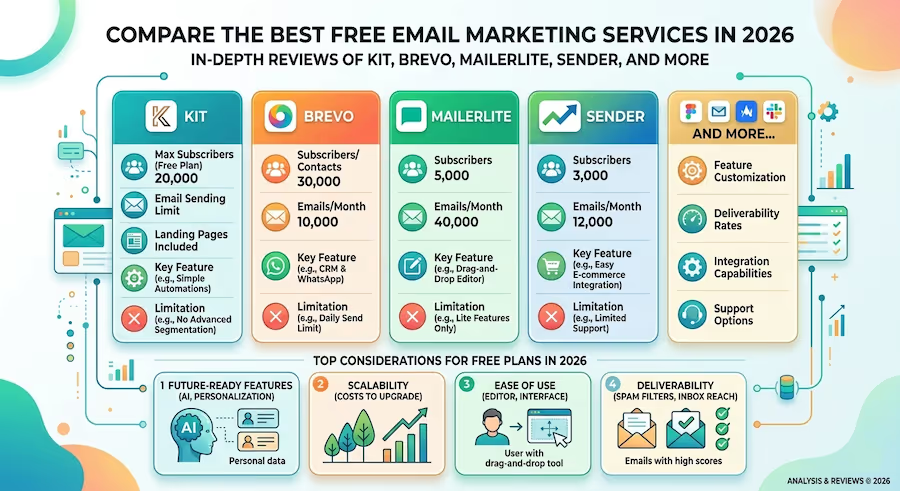
Every small business owner hits the same wall. You know you need email marketing. You've heard the stats—$36 return for every $1 spent. But the moment you open up a pricing page, you're staring at $50/month plans and wondering if this is really where your limited budget should go.
Here's the thing most people miss: you don't have to pay anything. Not yet.

The $0 Email Marketing Trap (And How to Avoid It)
A solo fitness coach we tracked signed up for Mailchimp's free plan to send weekly workout tips to her 200-person list. Two months in, she'd hit the 500-subscriber cap, couldn't schedule emails in advance, and had zero automation. She was manually sending every campaign at 6am before clients arrived. By month three, she'd stopped emailing altogether.
She didn't pick a bad tool. She picked the wrong free tool for her situation.
That's the real risk with free email marketing services. They're genuinely useful—but only if you match the right platform to how you actually work. The subscriber limits, sending caps, and feature restrictions vary wildly between providers. Picking the wrong one doesn't just waste time. It kills your momentum right when you're building it.
What Actually Separates These Free Plans
Forget the feature checklists for a second. After looking at dozens of free plans, the differences that actually matter come down to three things: how many people you can email, what you can automate without paying, and whether the tool grows with you or traps you into upgrading before you're ready.
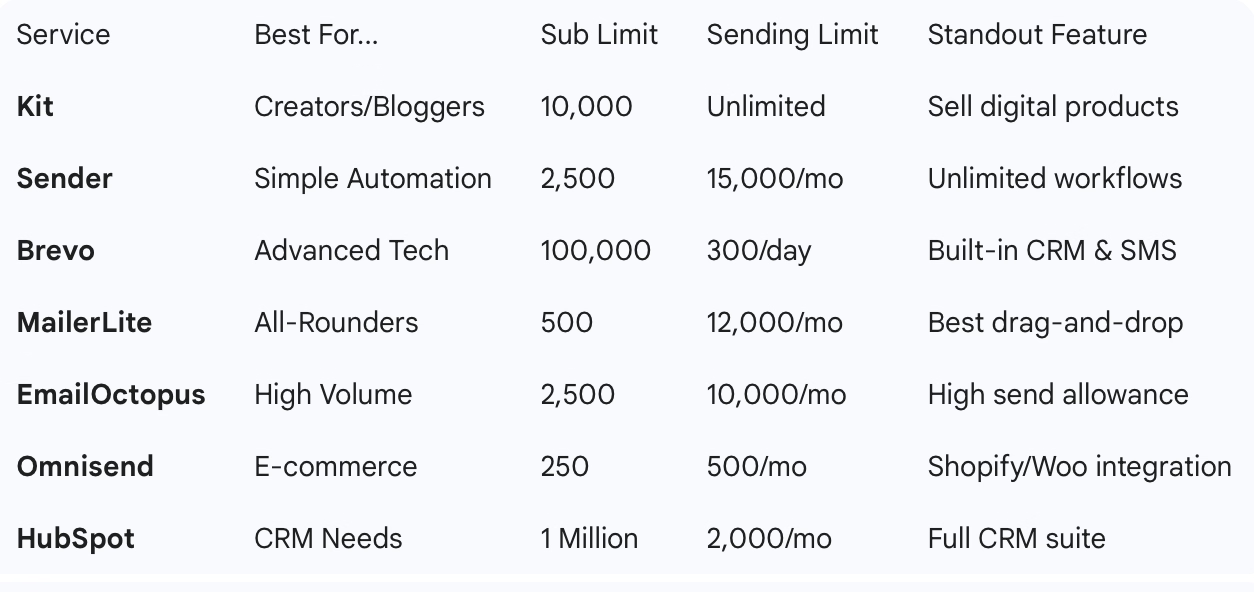
Subscriber limits range from 250 (Omnisend) to 10,000 (Kit) to a staggering 1 million contacts on HubSpot. Sending limits swing from 500 emails/month to unlimited. And automation—the feature that separates "email tool" from "email strategy"—is either fully included, partially gated, or completely locked behind a paywall depending on where you land.
The branding issue is worth mentioning too. Almost every free plan slaps the provider's logo on your emails. It's the price of admission, and honestly, most of your subscribers won't care. But if you're a brand-conscious agency or consultancy, it's something to weigh.
The Platforms Worth Your Time (And Who Each One Is Actually For)
Kit (formerly ConvertKit) — The Creator's Dream
Kit gives you 10,000 subscribers and unlimited sends for free. That's not a typo. If you're a blogger, podcaster, or YouTuber building an audience, this is your starting point—full stop.
The platform is built specifically for creators who want to monetize. You can sell digital products and subscriptions right through Kit without touching a separate payment tool. The landing page builder and customizable forms are solid. The catch? You're limited to one automation and one email sequence on free, and you'll need to display other creators' newsletters in your signup flow (their Creator Network). For most creators under 10,000 subscribers, that's a trade worth making.
Sender — Quietly the Best for Small Business
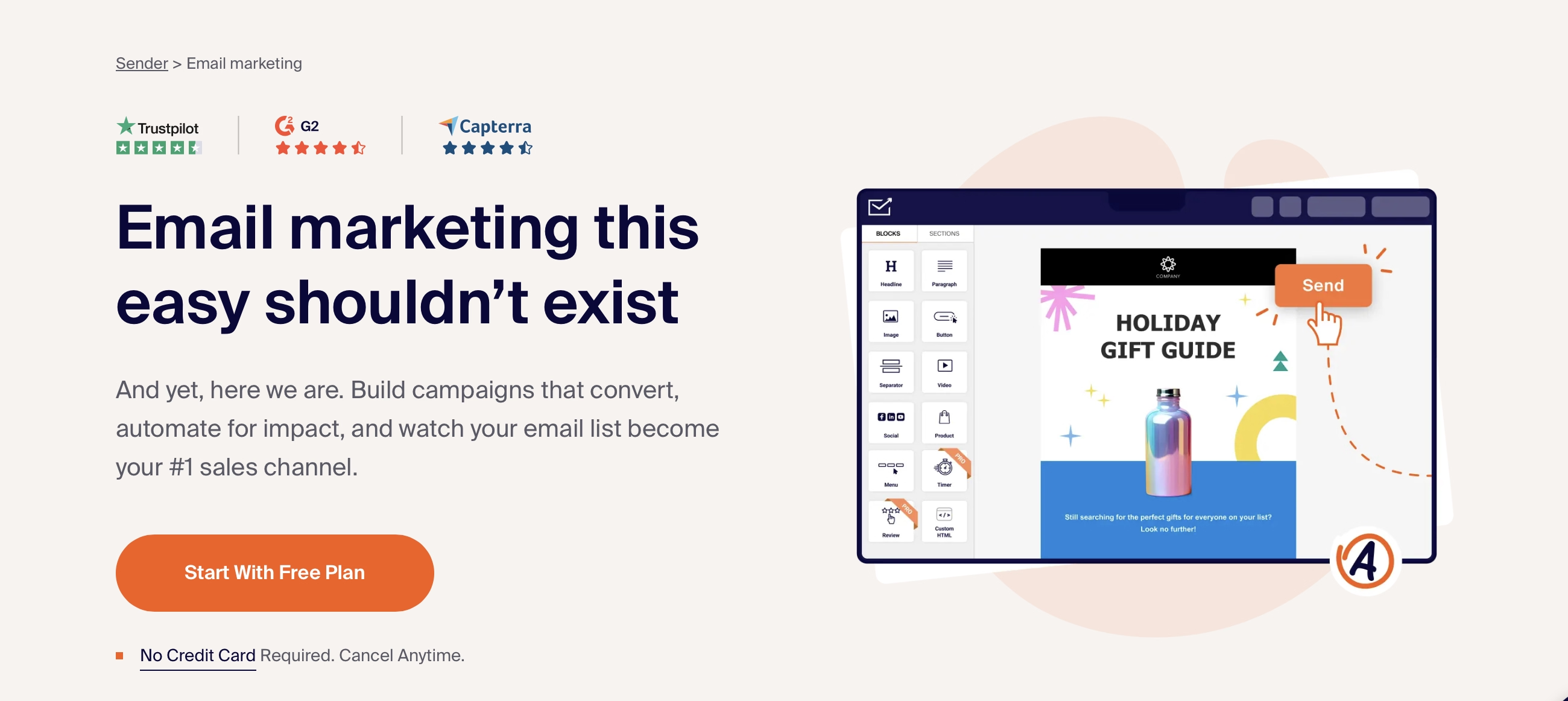
Sender flies under the radar, but it's one of the few free plans that includes unlimited automation workflows. Read that again. Unlimited. You get 2,500 subscribers, 15,000 emails/month, and the ability to set up welcome sequences, abandoned cart flows, and behavioral triggers without paying a cent.
The email editor is basic—don't expect drag-and-drop wizardry. But if you want a tool that just works without overwhelming you, Sender punches way above its weight class. Picture a 5-person bakery that needs a weekly newsletter and an automated birthday coupon flow. Sender handles that perfectly. HubSpot would be absurd overkill.
Brevo (formerly Sendinblue) — The Feature-Packed Underdog
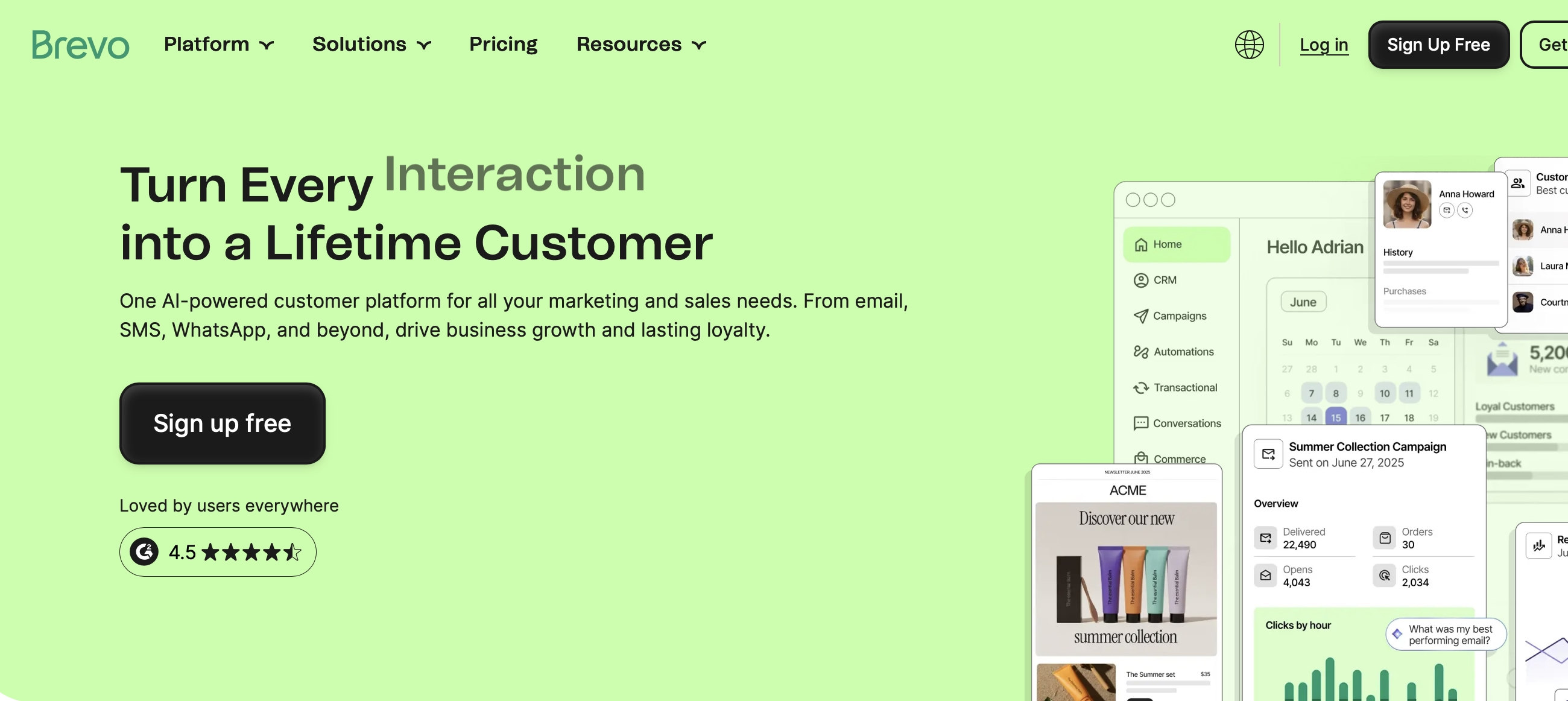
Brevo lets you store 100,000 contacts for free. The trade-off? You can only send 300 emails per day (9,000/month). That daily cap is frustrating if you have a big list and want to blast a promotion, but the feature set makes up for it. You get real marketing automation—behavioral workflows, not just basic autoresponders—plus a built-in CRM and SMS capabilities.
For a growing B2B service business that has a large contact database but sends targeted campaigns to smaller segments, Brevo's free plan is genuinely hard to beat. The 300/day limit barely matters when you're sending 50 personalized follow-ups, not mass blasts.
MailerLite — Beautiful But Outgrown Fast
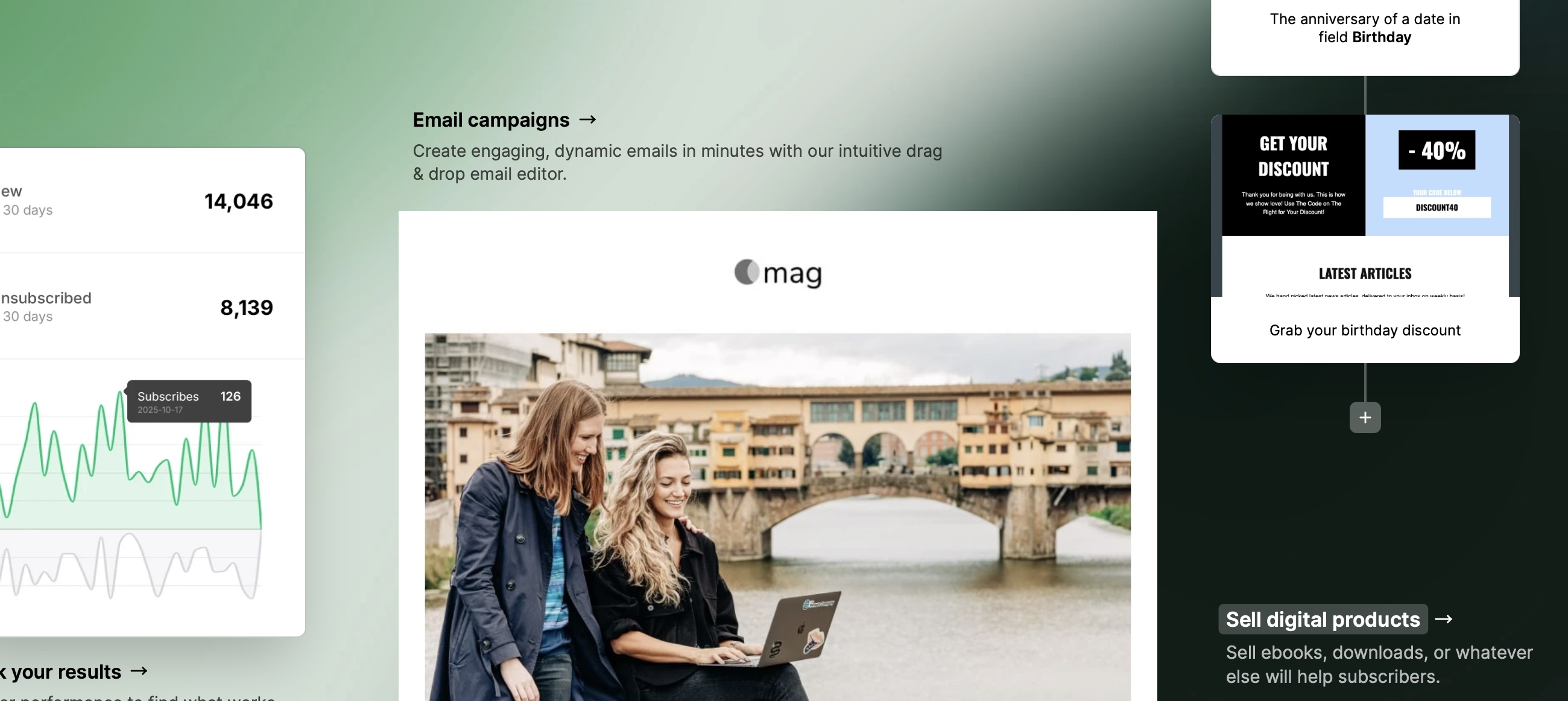
MailerLite used to be the easy recommendation—1,000 free subscribers, gorgeous editor, automation included. Then they cut the free plan to 500 subscribers. It's still a beautifully designed tool with a drag-and-drop editor that makes creating emails genuinely enjoyable. You also get landing pages, a basic website builder, and visual automation workflows.
But 500 subscribers? You'll outgrow that in weeks if you're actively building a list. And templates aren't included on free—you're building from scratch. MailerLite is a great tool to learn on, but plan your next move early.
Omnisend — E-commerce First
If you run a Shopify or WooCommerce store, Omnisend does something the others can't: it pulls product images and details directly from your store into emails. Pre-built cart abandonment workflows, welcome series, and product recommendation emails come ready to go. You even get SMS and web push notifications on free.
The limits are tight—250 contacts, 500 emails/month. You'll upgrade fast. But for a new store owner who needs to set up essential automations on day one without touching code, Omnisend removes more friction than anything else in this space.
EmailOctopus — Volume Without the Price Tag
EmailOctopus gives you 2,500 subscribers and 10,000 emails/month—one of the best volume allowances on any free plan. The platform is intentionally simple: no overwhelming feature set, no complex automation builder. You get solid email sending, basic automation, decent templates, and Zapier integration for connecting to other tools.
Think newsletter-first businesses. A local gym sending weekly class schedules. A nonprofit updating donors monthly. If your email strategy is "send good content consistently" rather than "build complex automated funnels," EmailOctopus gives you the most room to breathe.
HubSpot — The CRM That Emails Too
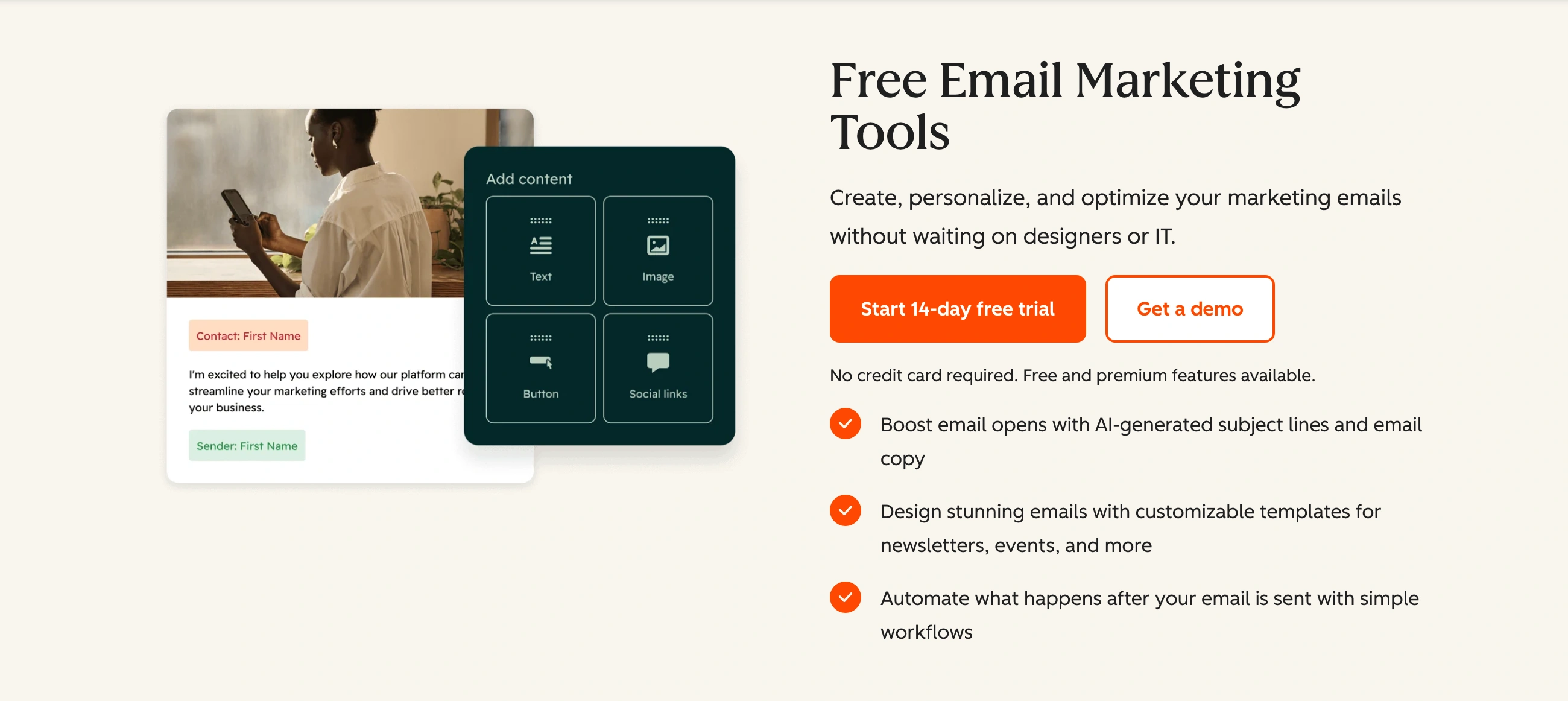
HubSpot lets you store up to 1 million contacts for free. The email marketing is solid—forms, landing pages, professional templates—but capped at 2,000 sends/month with no automation on the free tier. What you're really getting is the CRM.
If managing customer relationships matters more to you than sending volume—think a B2B consultancy tracking leads through a pipeline—HubSpot's free plan gives you a system that most businesses pay $50+/month for elsewhere. The email marketing is a bonus, not the main event.
Mailchimp — The Name Everyone Knows (But Shouldn't Default To)
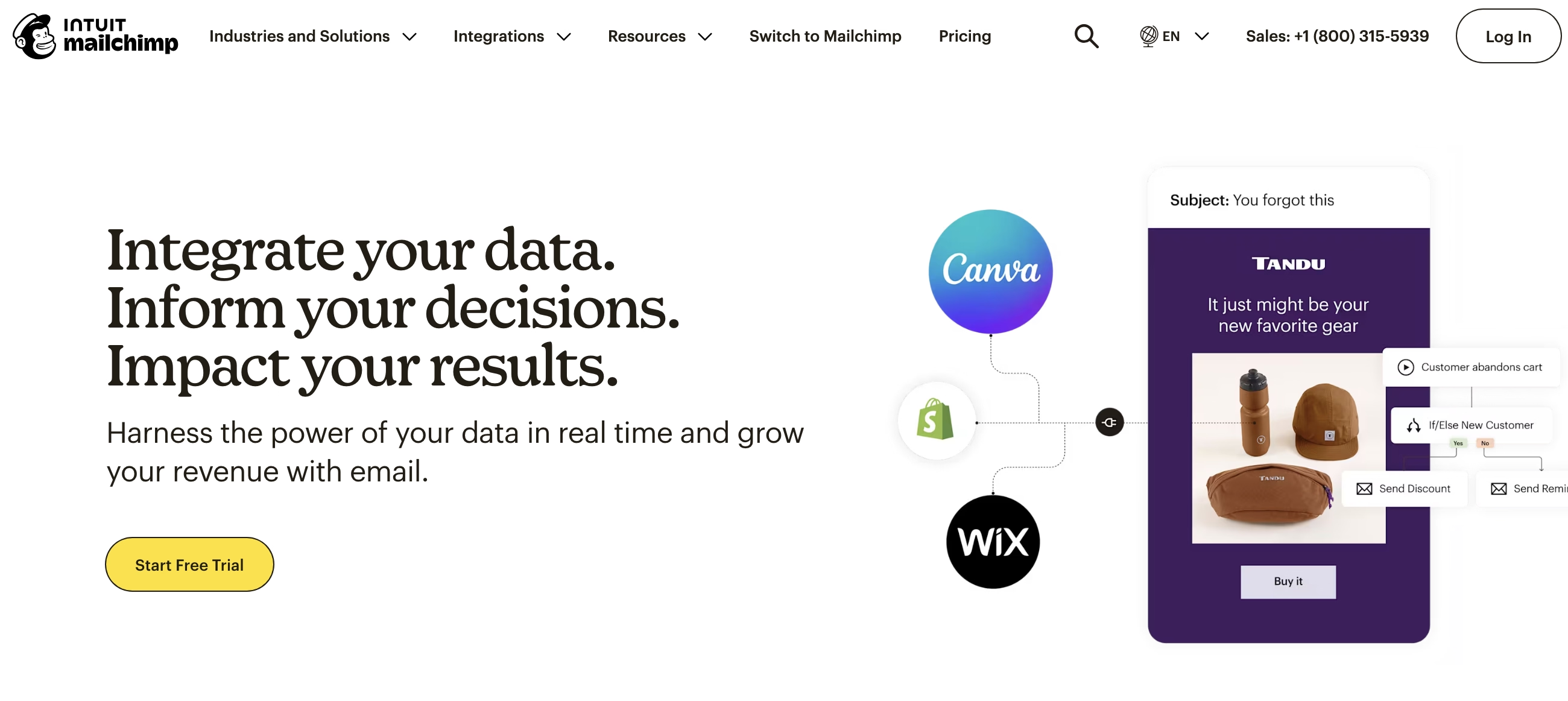
Mailchimp has brand recognition that none of these competitors can touch. The interface is polished, the integrations are extensive, and the reporting is solid. But the free plan? It's been gutted. 500 subscribers, 1,000 emails/month, no email scheduling, no automation, no A/B testing, and minimal support.
Honestly, almost every tool on this list gives you more for free. The only reason to start with Mailchimp in 2026 is if you're already familiar with it and your needs are extremely basic. For everyone else, your time is better spent elsewhere.
GetResponse — Email + Website in One
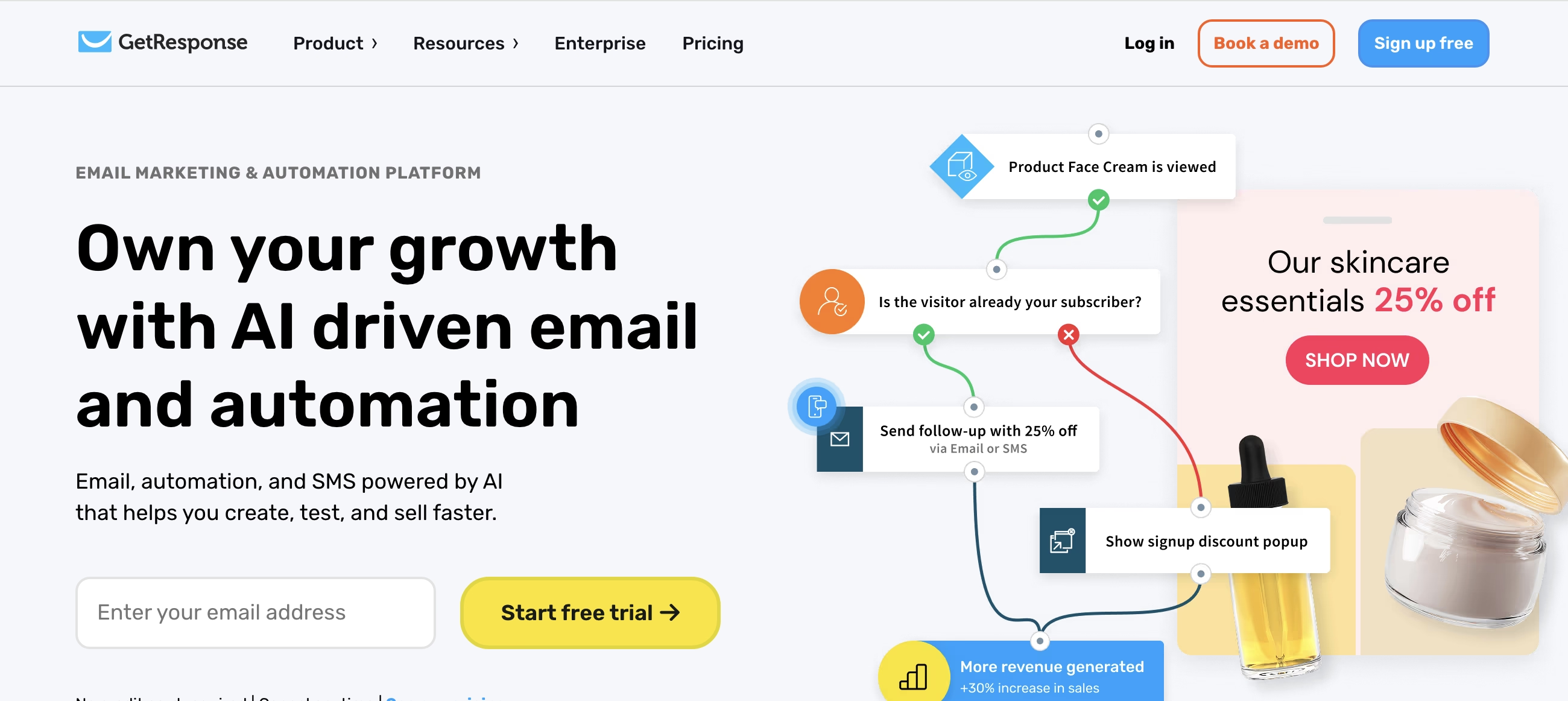
GetResponse bundles a website builder (5GB bandwidth) with 500 subscribers, 2,500 emails/month, and 500+ templates. No automation on free, and you're limited to one landing page. But if you need both a simple website and email marketing under one roof without juggling two platforms, it solves a real problem.
Benchmark Email — The Low-Key Option
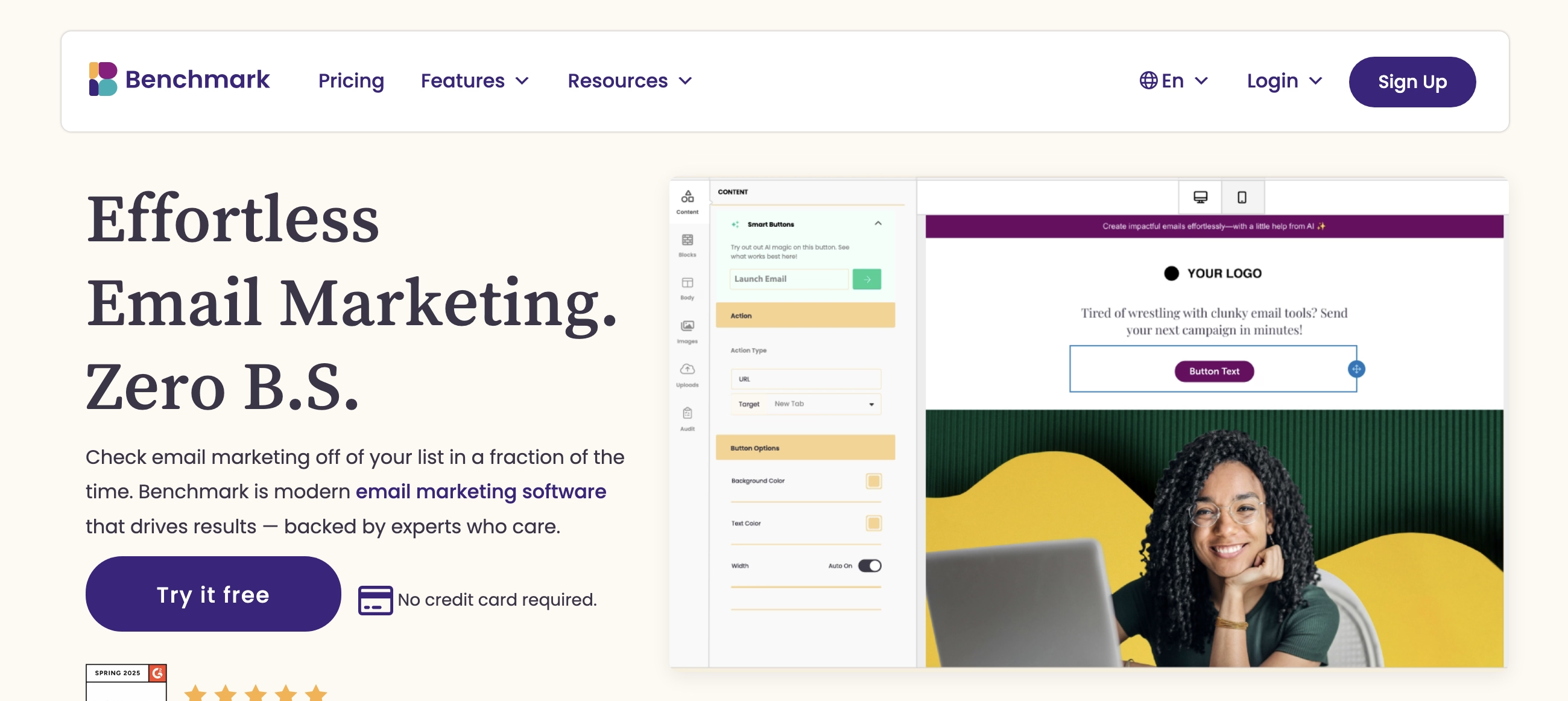
Benchmark gives you 500 subscribers, 3,500 emails/month, modern templates, and integration with 300+ tools. The editor is clean and mobile-responsive. The frustrating part: you can see the automation features in the dashboard, but can't activate them on free. If you send mostly text-based emails and want something that stays out of your way, Benchmark is a quiet, solid choice.
The Pattern Nobody Talks About
Here's what we've noticed after analyzing hundreds of teams using free email plans: the businesses that succeed on free plans aren't the ones who pick the "best" tool. They're the ones who pick the tool that matches their actual sending behavior right now.
A content creator emailing 8,000 subscribers twice a week needs Kit. A solo consultant nurturing 200 leads through a 5-step sequence needs Sender. An e-commerce store with 150 customers and six automated flows needs Omnisend. If you're a 4-person marketing team that needs CRM tracking more than campaign blasts, HubSpot makes more sense than all of them.
The worst move? Picking a platform because a blog ranked it #1 overall, then fighting its limitations for three months before switching—and losing subscriber data in the migration.
Deliverability: The Thing That Actually Matters
A free plan doesn't tank your deliverability. Bad practices do. Authenticate your domain with SPF, DKIM, and DMARC. Use double opt-in. Clean your list regularly. Don't buy email lists—ever. Every platform on this list has solid deliverability infrastructure. Your sender reputation is what makes or breaks whether emails land in inboxes.
When Free Stops Making Sense
You'll know it's time to upgrade when you're consistently bumping against subscriber or sending limits, when the lack of automation is costing you hours, or when the provider's branding on your emails feels unprofessional for the stage you're at. Most of these tools have paid plans starting at $10–$20/month, and the jump in features is significant.
But don't upgrade out of anxiety. Upgrade because you've outgrown free—not because you might someday.
The real question isn't "which free email tool is best." It's "what does my email strategy actually look like right now?" Answer that honestly, and the right platform picks itself.
Content Verification: All information in this guide was verified as accurate in January 2026. Platform features, pricing, and offerings are subject to change. We recommend verifying current details directly with vendors before making purchasing decisions.
Transparency Note: This is an informational guide based on research and analysis of publicly available information. We do not claim hands-on testing of all platforms mentioned unless explicitly stated with documented methodology.